Dropped your phone in water, spilled a drink, or got caught in the rain? Liquid exposure can cause immediate and long-term damage to your device's motherboard, screen, and battery if not treated quickly.
At Phone Fashion Fix inside Paddock Mall, we offer emergency water damage diagnostics and deep component cleaning to stop corrosion. Do not plug your device into a charger—bring it to our expert technicians immediately for the best chance of restoration!
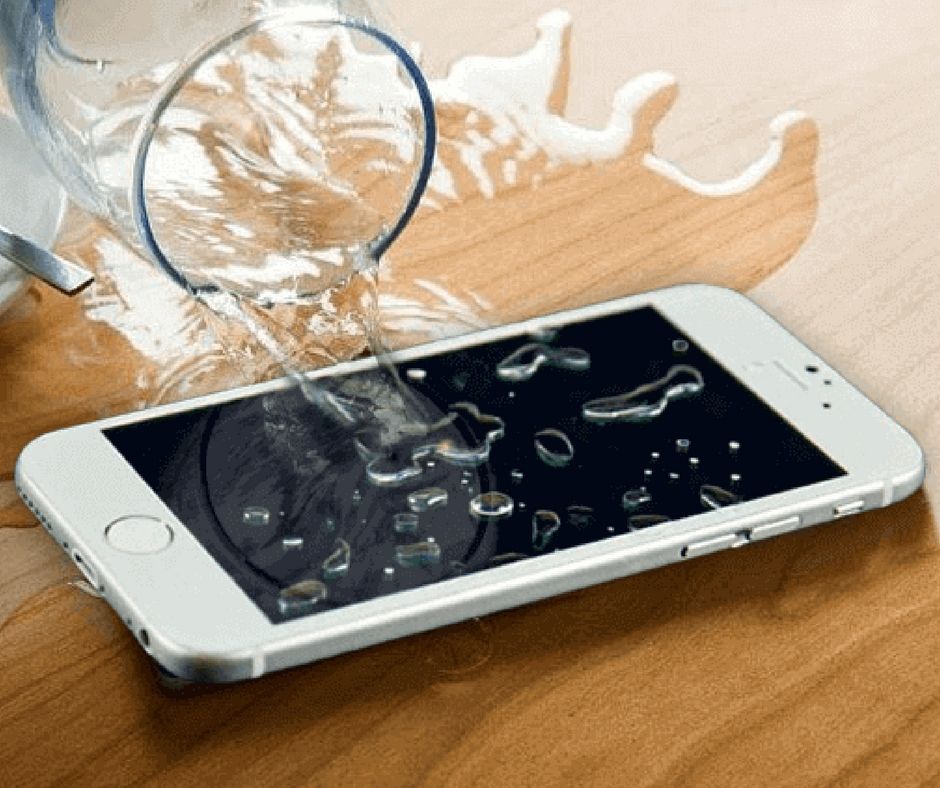
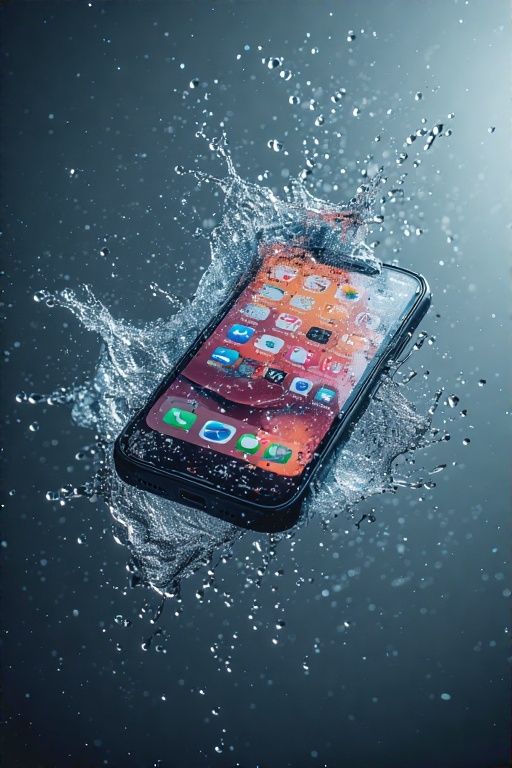
If your phone got wet, will not charge, will not turn on, shows a liquid warning, or starts glitching after a spill, Phone Fashion Fix can help with water damage phone repair in Ocala. Visit our shop inside Paddock Mall for a diagnostic, repair recommendation, and quote before work begins.
Water damage can affect your charging port, battery, screen, speakers, camera, buttons, or internal board. Sometimes the phone works for a few minutes after getting wet and fails later as moisture or corrosion spreads.
Do not keep charging or powering on a wet phone. Bring it in as soon as possible so a technician can check the damage and explain whether repair is practical.
Water damage repair starts with inspection, not guesswork. A wet phone may need cleaning, drying, charging port repair, battery service, screen repair, or deeper component testing, depending on the liquid exposure and symptoms.
Many water-damaged phones can be inspected and sometimes repaired, but the result depends on the liquid type, exposure time, corrosion level, and affected parts. A diagnostic is the safest way to know whether the phone, battery, screen, charging port, or data access may be recoverable.
Note: Water damage repair does not guarantee full recovery. Some devices can be repaired, while others may have severe board damage, battery damage, or corrosion that makes repair impractical.
Water damage does not always look obvious from the outside. If your phone was exposed to water, coffee, soda, pool water, rain, bathroom moisture, or another liquid, the symptoms may appear right away or days later.
A phone that will not power on after getting wet may have battery failure, charging trouble, internal corrosion, or board-level damage. Do not keep pressing buttons or plugging it in repeatedly.
If your phone stopped charging after water exposure, the charging port may have moisture, corrosion, or internal damage. A moisture warning or loose charging response should be checked before more charging attempts.
A black screen, flickering display, green lines, touch failure, or random dimming may mean liquid reached the display connector or screen assembly.
Water can affect speaker grilles, microphones, and internal audio components. If calls sound muffled or the speaker crackles after exposure, the phone should be inspected.
Camera fogging, Face ID failure, Touch ID problems, sticky buttons, or random restarts can all happen after liquid gets inside the device.
The first few steps after liquid exposure can affect the chance of repair. The safest approach is to stop using the device, avoid charging it, dry the outside gently, and bring it in for a diagnostic.
If the phone is still on and responsive, power it off. This may help reduce further electrical activity inside the device while moisture is present.
Do not plug in a wet phone. Moisture in the charging port or connector area can lead to corrosion or internal damage. If the phone shows a liquid warning, stop charging and have it checked.
Remove the case if it is holding moisture. Wipe the outside with a soft, dry cloth. Do not shake the phone aggressively or use a hair dryer.
Rice does not clean internal corrosion and may leave dust or particles around the port. Heat can damage the battery, screen, adhesive, or internal parts. Avoid inserting objects into the charging port.
If the phone was submerged, exposed to dirty liquid, stopped charging, will not turn on, or contains important data, bring it to Phone Fashion Fix inside Paddock Mall for inspection.
Liquid damage can continue after the phone looks dry. Moisture trapped inside the device may lead to corrosion, short circuits, battery problems, charging failure, display issues, or delayed shutdowns.
Important: A phone may work normally right after getting wet and still fail later. That is why quick inspection matters, especially if the device was exposed to pool water, salt water, soda, coffee, soap, or any sticky liquid.
Fast diagnosis does not guarantee repair, but it can help identify the damage before it spreads further.
Phone Fashion Fix can inspect water damage on many common phones and tablets. Repair availability depends on the exact model, damage severity, parts availability, and whether the device can be safely serviced.
If your iPhone shows a liquid warning, will not charge, has a black screen, or stops working after getting wet, bring it in for a diagnostic. We can check the charging port, battery, screen, and other affected areas.
Samsung Galaxy, Google Pixel, and other Android phones can develop charging, screen, battery, camera, or speaker issues after liquid exposure. A diagnostic helps confirm whether repair is possible.
iPads and tablets may develop water damage symptoms such as charging failure, display issues, touch problems, or power loss. Because tablets are larger and often sealed with adhesive, inspection is important before quoting repair.
Our process is built around careful inspection, honest expectations, and repair approval before work begins. Water damage can affect several parts at once, so we check the device before recommending a repair.
We start by asking what happened. Helpful details include the type of liquid, when exposure happened, whether the phone was charged afterward, and what symptoms appeared.
The technician checks the screen, frame, charging port, buttons, cameras, and visible signs of liquid exposure. If needed and safe, internal areas may be inspected for moisture or corrosion.
Depending on the condition, the device may need cleaning or drying before further testing. Important components such as the charging port, battery, screen, speaker, camera, and buttons may be checked.
After diagnosis, we explain what appears damaged, what repair may be possible, and what the cost factors are. Repair work begins only after you approve the estimate.
After approved repairs, the phone is tested for power, charging, screen response, audio, camera function, and other basic features where possible.
Water damage repair costs vary because the damage is not always visible from the outside. A diagnostic is the best way to understand whether the phone needs cleaning, part replacement, deeper inspection, or replacement.
Device brand, model, and the specific architecture of the internal hardware (like iPhone vs. Android/iPad).
Type of liquid involved (saltwater vs. fresh water), amount of exposure, and how long the device has been wet.
Whether the device was charged, powered on, or forced to run while wet, which accelerates internal corrosion.
Affected parts including screen, touch digitizer, charging port, camera, speakers, or board-level circuitry.
Labor time required for deep ultrasonic cleaning, component-level micro-soldering, or part replacement.
Water damage phone repair cost in Ocala depends on the device model, liquid type, corrosion level, damaged parts, and repair complexity. We do not recommend guessing the price before diagnosis because two phones with the same spill can need very different repairs. Visit Phone Fashion Fix in Paddock Mall for a diagnostic-based quote.
Water damage repair time depends on the device condition, liquid type, corrosion level, diagnostic findings, parts availability, and testing needs. Some inspections may be simple, while severe liquid damage can require more time.
Pro Tip: If your phone still turns on, back up important data before bringing it in when possible. If it does not turn on, avoid repeated charging attempts and get it inspected by our technicians at Paddock Mall.
Phone Fashion Fix provides water damage phone repair support for customers in Ocala, FL, from our shop inside Paddock Mall. This location is convenient for customers who need local diagnostics after a spill, rain exposure, pool accident, or charging issue after moisture.
We regularly help customers from areas near Paddock Mall and the SW College Road / SR 200 corridor, including:
If you are near Paddock Mall and your iPhone, Samsung, Android phone, iPad, or tablet got wet, bring it to Phone Fashion Fix for a diagnostic. Call ahead if you want to ask about repair availability for your device model.
Water damage repairs are different from simple screen or battery replacements because liquid can affect hidden parts inside the phone. Even after repair, severe corrosion or board damage may cause future problems.
Phone Fashion Fix will explain repair limitations before work begins. We do not recommend promising guaranteed recovery, guaranteed data access, or permanent restoration on water-damaged devices.
Warranty terms, if available, should be confirmed at the time of service. Common exclusions may include:
An honest diagnosis helps you decide whether repair, data backup, or replacement makes the most sense.
These FAQs answer common questions from Ocala customers who need help after a phone gets wet. They are designed to help you avoid common mistakes and understand what to expect before visiting the shop.
Sometimes. A water-damaged phone may be repairable depending on the liquid type, exposure time, corrosion level, and affected parts. A diagnostic is needed to confirm whether repair is practical.
No. Do not charge a wet phone or keep trying to power it on. Moisture in the charging port or inside the device can increase the risk of corrosion or internal damage.
No. Rice is not a reliable repair method and does not clean internal corrosion. It is better to power the phone off, dry the outside gently, and bring it in for a diagnostic.
The cost depends on the device model, liquid type, corrosion level, damaged parts, and repair work needed. Phone Fashion Fix can provide a quote after inspecting the device.
Phone Fashion Fix can inspect iPhones that show a liquid detection alert or will not charge after moisture exposure. Stop charging the device and bring it in if the alert continues or charging fails.
Sometimes, but it depends on whether the storage and internal board components are still functional. Water damage can make data access uncertain, so a diagnosis is needed before making any promises.
Fast, reliable, and professional solutions for all your device issues.
Quick, high-quality screen replacements to make your phone look brand new again.
Cracked screen repairTesting battery health and replacing it to restore full all-day battery life.
Battery drain repairFixing blocked, loose, or damaged charging ports so your phone charges fast again.
Not charging repairExpert front and rear camera repair to get you back to capturing sharp photos.
Camera repair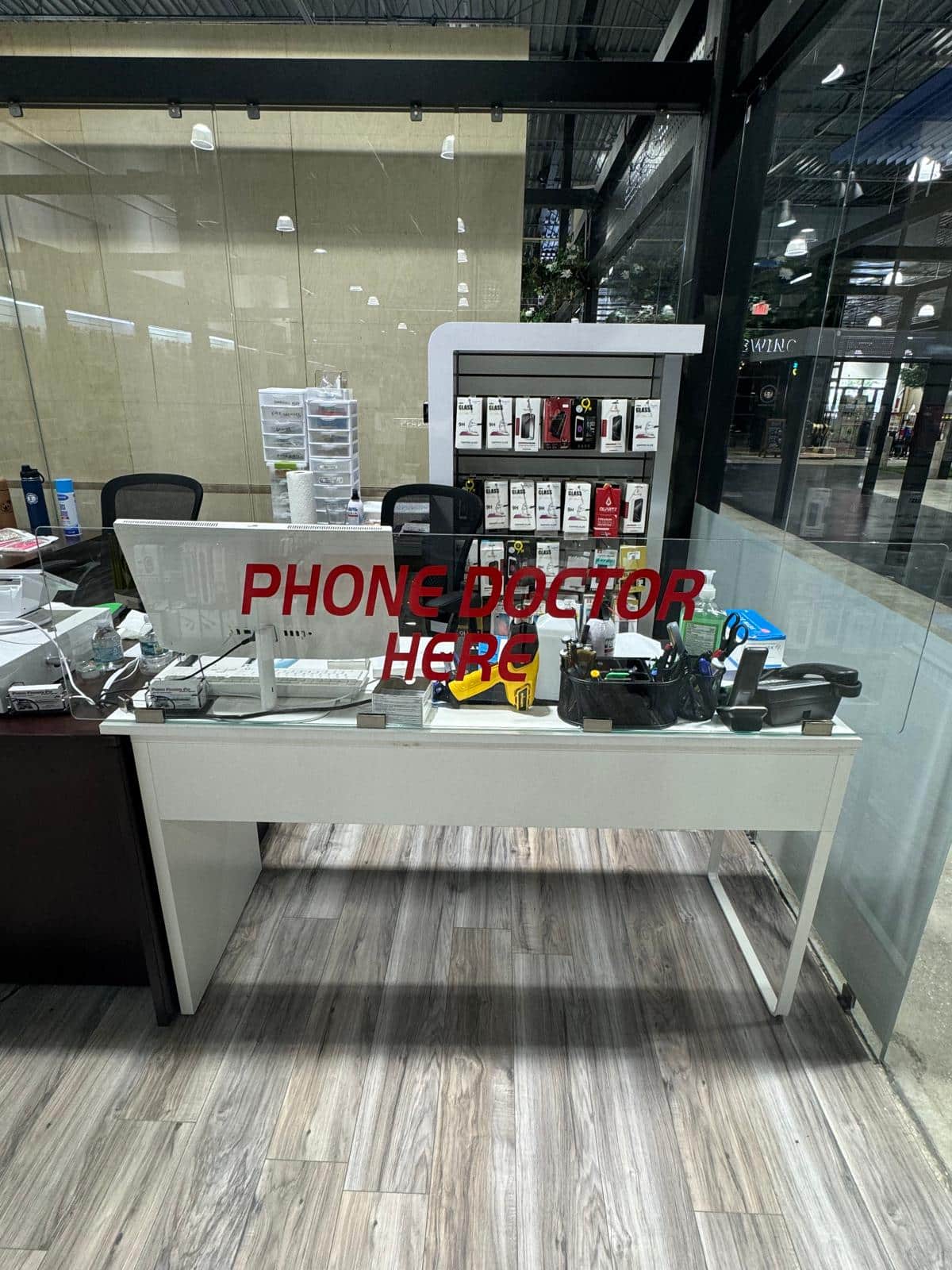
If your phone got wet, stopped charging, will not turn on, or started glitching after liquid exposure, bring it to Phone Fashion Fix inside Paddock Mall in Ocala. A diagnostic can help determine whether the device is repairable and what parts may be affected.