Is your phone or mobile device acting up but you are not completely sure why? Phone Fashion Fix provides fast hardware diagnostics to isolate and address the most common repair issues before they compromise your device completely.
From unresponsive digitizers and fractured screen backlights to failed charging ports and bloated batteries, our technicians handle all common repair issues across all major smartphone and device brands. Visit our Paddock Mall storefront today for clear, upfront pricing and component restoration.
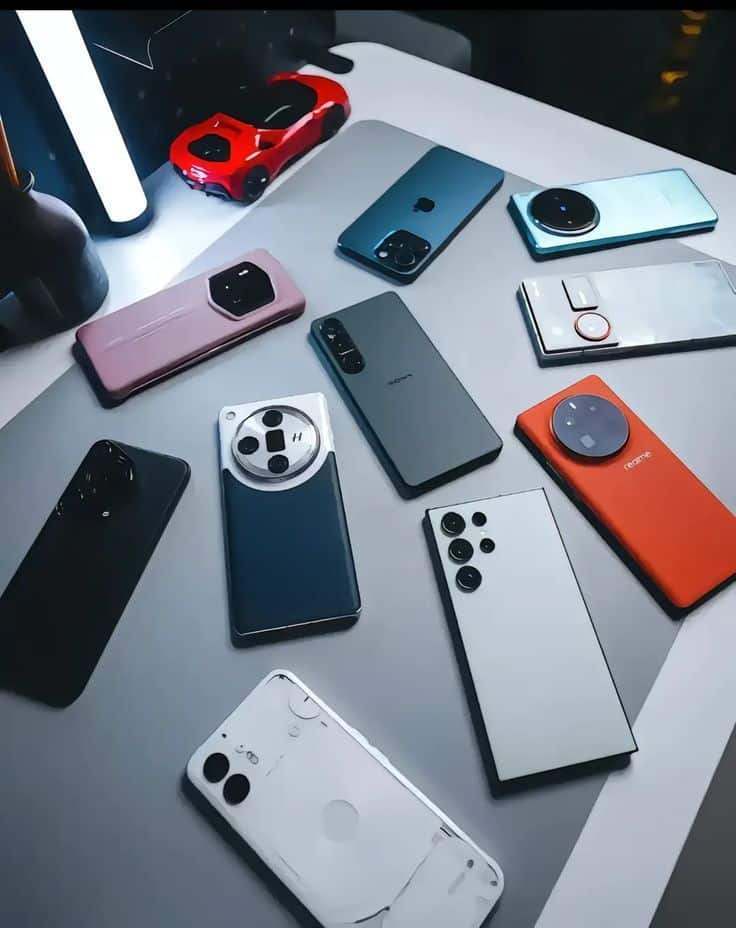
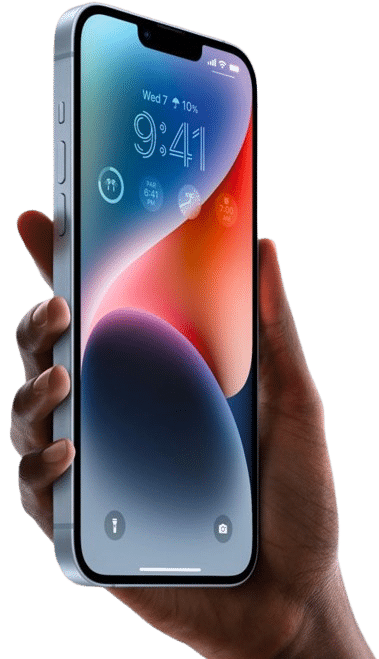
If your phone is cracked, not charging, draining fast, water-damaged, or having camera problems, Phone Fashion Fix can help you find the right repair. Our shop inside Paddock Mall in Ocala provides diagnostic-first repair support for iPhones, Samsung phones, Android smartphones, iPads, and tablets.
Not every device issue means you need a replacement. A battery problem may be caused by the battery, charging port, software, or cable. A cracked screen may involve only the glass, or it may affect the display and touch response.
Phone Fashion Fix helps Ocala customers diagnose and repair common phone issues by checking the device, explaining the likely cause, and providing repair options before work begins.
Many phone problems start with a simple symptom, but the cause is not always obvious. This section helps you understand the most common repair issues and when it makes sense to bring your device in for a diagnostic.
A cracked screen may still work at first, but damage can spread or affect the touch layer. If the screen has lines, black spots, flickering, dead touch areas, or sharp glass, it should be checked before it gets worse.
Charging issues may come from the cable, wall adapter, charging port, battery, software, or liquid exposure. If your phone only charges at an angle or will not recognize a charger, bring the cable with you if possible.
Fast battery drain, random shutdowns, overheating, or a swollen battery can point to battery wear or another power-related issue. A diagnostic helps confirm whether the battery needs replacement.
Phones and tablets can be damaged by water, coffee, soda, rain, pool water, or moisture. If the device got wet, avoid charging it and get it inspected quickly.
Camera failure, muffled audio, broken buttons, app crashes, or slow performance may be caused by hardware or software. Testing helps identify the right repair path.
A cracked screen is one of the most common phone screen repair issues, but not all screen damage is the same. The repair needed depends on whether the glass, display, touch layer, or internal connector is affected.
Many cracked phone screens can be repaired. The correct repair depends on whether only the outer glass is damaged or whether the LCD, OLED display, digitizer, or touch response has also failed.
You may need screen repair if you notice:
A surface crack may look minor if the phone still works. Display damage is usually more serious and may show up as lines, dark areas, flickering, or touch failure.
A diagnostic helps confirm whether the device needs glass repair, full screen replacement, or another repair.
Stop using the phone or bring it in soon if the glass is sharp, the screen is lifting, the display is glitching, or the touch response is unreliable. Continued use can make the damage worse and may expose the inside of the phone to dust or moisture.
Battery problems can make a good phone feel unreliable. If your phone dies quickly, shuts off early, overheats, or only works while plugged in, the battery or power system should be checked.
Rapid battery drain may be caused by an aging battery, heavy app use, background activity, software issues, charging problems, or internal damage. A diagnostic helps separate normal battery use from a repairable problem.
Common battery warning signs include:
A weak battery may not hold power. A damaged charging port may prevent the battery from charging properly. These issues can feel similar, so checking both areas helps avoid the wrong repair.
Battery swelling, overheating, or a phone that feels hot while charging should be taken seriously. Do not press a lifted screen back down or keep charging a device that appears swollen.
A phone that will not charge is not always a charging port problem. The issue may be simple, such as a worn cable, or more serious, such as liquid damage, battery failure, or an internal power issue.
Charging problems should be diagnosed before replacing parts. The right fix depends on whether the issue is the cable, adapter, USB-C port, Lightning port, battery, debris, corrosion, or board-level power behavior.
Your charging port may need attention if:
If the phone charges with one cable but not another, the cable may be the issue. If the cable feels loose or only works at an angle, the charging port may be damaged or blocked. If the phone charges but dies quickly, the battery may be the problem.
Do not force the cable into the port. Do not use sharp objects to dig inside the connector. Do not keep trying to charge the phone if it was exposed to liquid. Bring the device, charger, and cable in for a proper check.
Water damage can affect a phone even if the outside looks dry. Moisture can reach the charging port, battery, screen, camera, speakers, buttons, or internal board and cause problems later.
If your phone gets wet, power it off if possible, avoid charging it, dry the outside gently, and bring it in for inspection. Water damage repair cannot be guaranteed, but a quick diagnosis gives the device a better chance of being evaluated before corrosion spreads.
After a spill or water exposure:
A phone may turn on after getting wet and still fail later. Moisture can remain inside the device, and corrosion can develop over time. This is why it is risky to assume the phone is fine just because it works for a few minutes.
Some water-damaged phones can be repaired, but success depends on the liquid type, how long the moisture stayed inside, whether the phone was charged afterward, and which parts were affected. A diagnosis is needed before knowing whether the repair is practical.
Not every repair issue involves the screen or battery. Cameras, speakers, microphones, buttons, and internal connectors can also fail after drops, moisture exposure, dust buildup, or part wear.
These problems often need diagnosis because software and hardware symptoms can overlap. A camera that shows a black screen may have a software issue, a damaged camera module, a lens problem, or an internal connection fault.
Camera repair may be needed if:
Power buttons, volume buttons, home buttons, speakers, and microphones can stop working after impact, dust, moisture, or internal wear. These issues can affect calls, videos, alarms, voice messages, and everyday use.
Some symptoms may be caused by app glitches, updates, permissions, or storage problems. Others come from damaged parts. Testing helps determine whether the device needs repair, reset guidance, or part replacement.
Small device issues can become bigger problems when they are left unchecked. A cracked screen can worsen, a charging issue can prevent backups, and water damage can spread internally.
Repairing early can help protect your device, data access, and daily use. It can also help you avoid paying for the wrong repair by identifying the real issue first.
Issues that should be checked quickly include:
If you are unsure whether the problem is urgent, bring the device to Phone Fashion Fix for a diagnostic.
Phone Fashion Fix gives Ocala customers a local repair option inside Paddock Mall. We help customers identify the issue, understand repair options, and get a quote before approving service.
Our Paddock Mall location is convenient for customers near SW College Road, SR 200, Southwest Ocala, West Ocala, and nearby Marion County areas.
We do not assume every issue has one cause. A charging problem may involve the port, cable, battery, or board. A screen issue may involve glass, display, or touch response. Diagnosis helps confirm the right repair.
Phone Fashion Fix handles common repair needs for iPhones, Samsung phones, Android smartphones, iPads, and tablets. This helps customers with multiple devices get support from one local shop.
Repair cost depends on the model, issue, parts, and damage level. We explain the likely repair and quote before work begins so you can decide what makes sense.
After repair, the device should be tested for the repaired function, basic performance, and related issues where possible. Testing helps confirm the device is ready to use again.
Our repair process is designed to keep things clear from the start. We check the device, explain what we find, provide a repair recommendation, and complete approved work with testing before pickup.
Bring your device to Phone Fashion Fix inside Paddock Mall, or contact us with the device model and issue. If the problem involves charging, bring your charger and cable too.
A technician checks the visible damage, symptoms, charging response, screen behavior, battery signs, buttons, camera, or water damage indicators, depending on the issue.
After diagnosis, we explain the likely cause and repair option. You receive a quote before approving repair work.
Once approved, the repair is completed if parts and service are available. Afterward, the device is tested for the repaired issue and related basic functions.
Before you leave, ask about warranty terms, charging habits, screen protection, battery care, or what to watch for after water damage repair.
Phone repair cost depends on the device model, repair type, damage severity, part availability, and whether multiple components are affected. A diagnostic check is the best way to get an accurate quote.
There is no single price for every repair because a cracked iPhone screen,iPhone Charging Port repair, a Samsung charging port issue, an iPad battery problem, and a water-damaged phone all require different parts and labor.
Phone repair cost in Ocala depends on the device model, issue type, part availability, labor, and damage level. Contact Phone Fashion Fix with your device model and symptoms for a more accurate repair quote.
Phone Fashion Fix helps customers with cell phone repair issues from our shop inside Paddock Mall in Ocala, FL. This location is convenient for people who want local diagnostics, repair guidance, and a quote before deciding what to do.
We regularly help customers from areas near Paddock Mall and the SW College Road / SR 200 corridor, including:
If you are near Paddock Mall and your phone has a cracked screen, battery issue, charging problem, water damage, or camera failure, bring it to Phone Fashion Fix for help.
Repair time depends on the device model, issue, part availability, repair queue, and damage complexity. Some repairs may be faster when parts are available, while water damage or deeper diagnostics can take longer.
Common timing factors include:
Screen and battery repairs may be quicker when parts are available. Water damage, no-power issues, and intermittent charging problems may need more time to diagnose and test.
Call ahead or visit the Paddock Mall location to ask about current availability for your specific device.
After repair, testing helps confirm that the repaired function is working properly. Warranty or support terms should be confirmed at the time of service because coverage can depend on the repair, part, and device condition.
Post-repair testing may include:
Warranty coverage may not apply to new damage, liquid damage recurrence, physical impact, unauthorized tampering, customer-supplied parts, unrelated issues, or software/data problems.
Keep your receipt and ask what support applies before leaving the shop.
Explore our dedicated component restoration paths. Select a specialized diagnostic service area below to learn how we isolate hardware issues and restore your device to peak performance.
Address broken glass, unresponsive touch layers, bleeding LCDs, and flickering OLED displays before structural degradation compromises internal logic boards.
Cracked ScreenIsolate rapid capacity depletion, random power sequence shutdowns, thermal overheating issues, and physical component swelling with exact load testing.
Battery DrainDiagnose loose interface connections, broken internal port rails, logic power management chip faults, and slow charging system performance.
Not ChargingMitigate fluid exposure risks through advanced ultrasonic component cleaning and deep trace diagnostics before micro-corrosion destroys copper pathways.
Water DamageResolve system application shutter crashes, fractured sapphire protective exterior glass lenses, autofocus stabilization failures, and blank black screen responses.
Camera RepairThese FAQs answer common questions from Ocala customers who are deciding whether their phone, iPad, or tablet needs repair. They also help explain when a diagnosis is the best first step.
The most common phone repair issues include cracked screens, battery drain, charging problems, water damage, camera failure, button issues, speaker problems, and slow performance. A diagnostic helps confirm whether the issue is related to hardware, software, or multiple components.
It may be worth repairing a cracked screen if the phone still works well, parts are available, and the repair cost is reasonable compared with replacing the device. If the display, touch response, or frame is damaged, get a quote first.
Fast battery drain may be caused by battery age, background apps, screen brightness, software issues, poor charging habits, or a failing battery. If the phone also overheats, shuts off early, or only works plugged in, bring it in for a diagnostic.
Your phone may not charge because of a bad cable, weak adapter, dirty charging port, damaged port, battery failure, software issue, or liquid exposure. Testing the phone, charger, and cable helps identify the cause.
Some water-damaged phones can be repaired, but it depends on the liquid type, corrosion level, affected parts, and whether the device was charged after exposure. Do not keep charging a wet phone. Bring it in for inspection.
Repair time depends on the device model, repair type, part availability, and damage severity. Simple repairs may be faster when parts are available, while water damage or multiple issues can take longer.
If your phone is cracked, not charging, draining fast, water-damaged, or having camera problems, bring it to Phone Fashion Fix inside Paddock Mall in Ocala. We can check the device, explain the likely issue, and provide a repair quote before work begins.
Bring your phone, charger if charging is the problem, and any details about when the issue started.
Call Phone Fashion Fix, ask about your device issue, or visit our Paddock Mall location for phone repair help in Ocala.