Stuck, unresponsive, or damaged buttons? Whether it's the home button, volume rockers, or the power button, Phone Fashion Fix provides precise iPad button repair in Ocala to restore your device's full functionality smoothly and safely.
📍 Located at Paddock Mall | Professional Diagnosis Before Repair
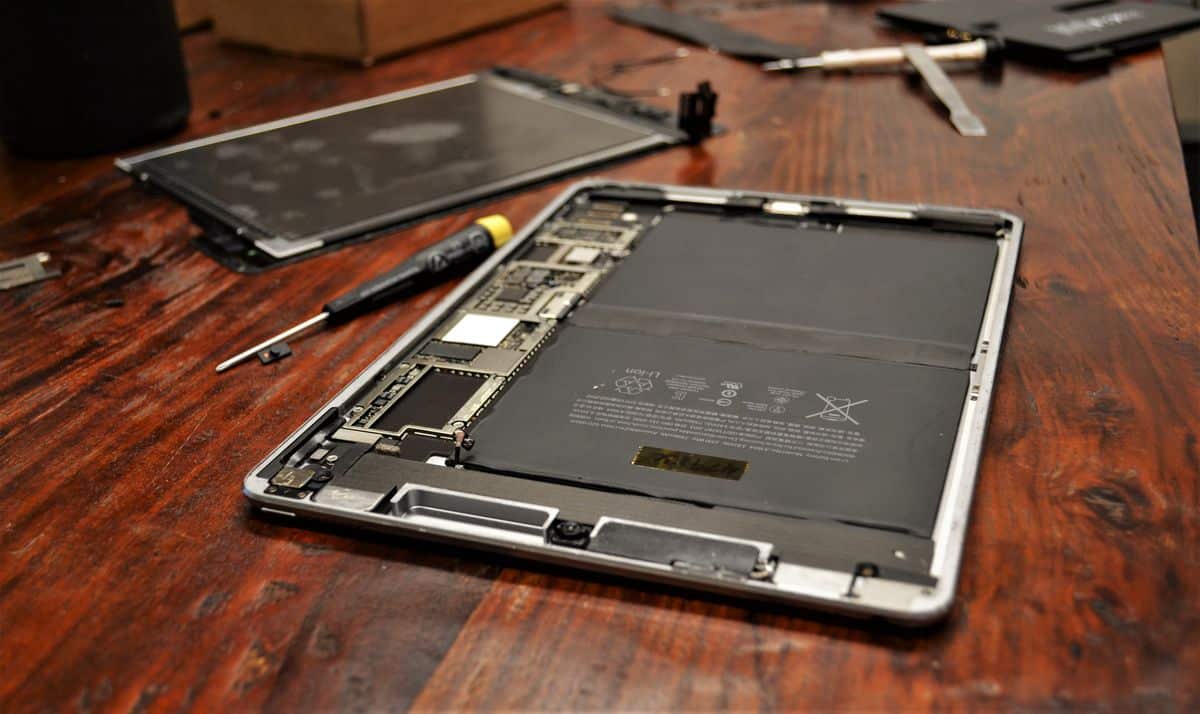
If you need iPad button repair in Ocala, Phone Fashion Fix can diagnose and repair stuck, loose, broken, or unresponsive iPad buttons. Whether your Home button stopped working, your power button is jammed, or your volume buttons no longer respond, we can help identify the cause and explain your repair options.
Button problems can happen after drops, frame damage, moisture exposure, debris buildup, or internal flex cable failure. Some issues are simple adjustments, while others need button replacement, flex cable repair, or related component diagnosis.
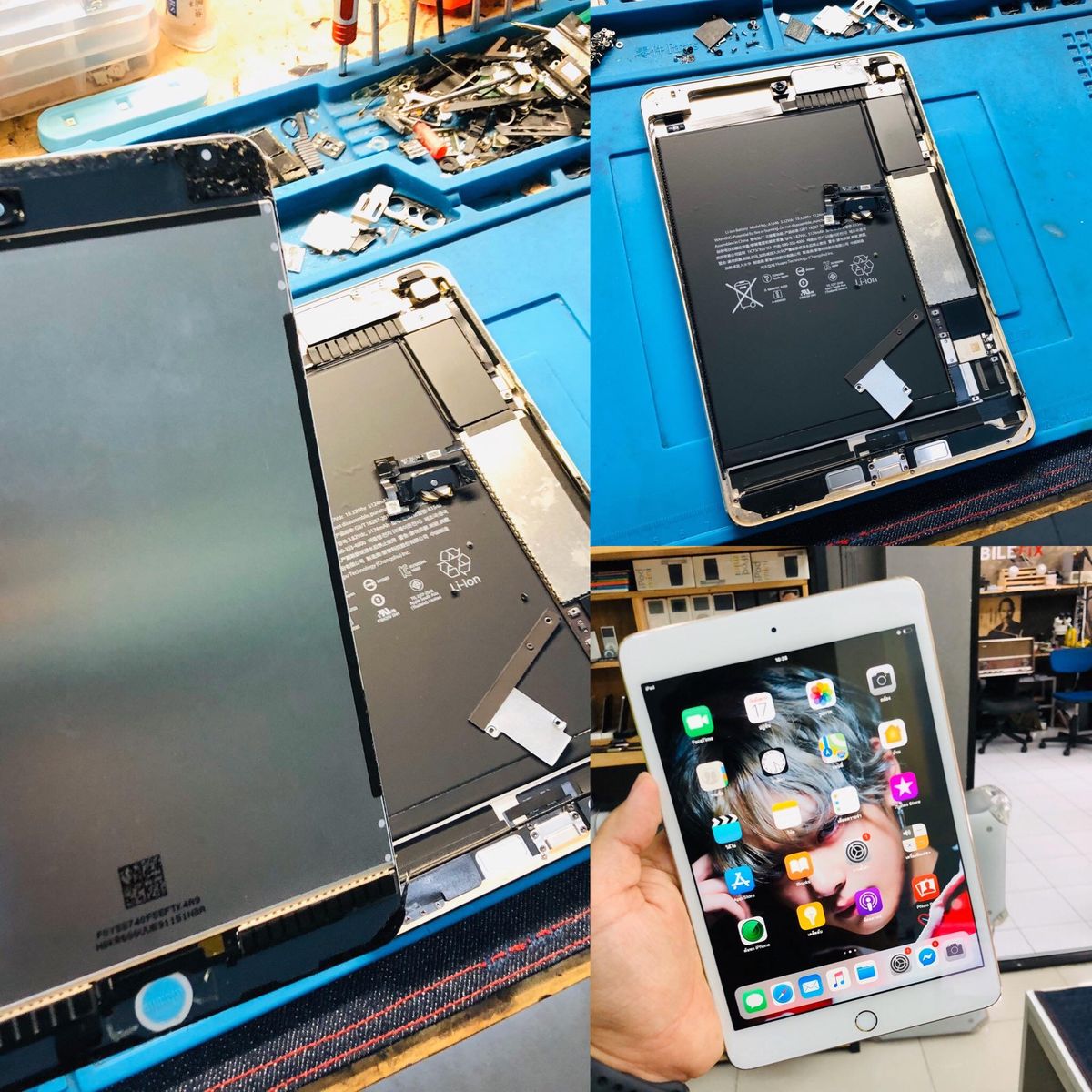
Phone Fashion Fix provides local iPad button repair for customers dealing with Home button, power button, and volume button problems. Our service starts with a careful diagnostic check so we can find out whether the issue is caused by the button itself, the internal flex cable, a connector, frame damage, screen alignment, or another hardware issue.
We repair and inspect button problems on iPad, iPad Air, iPad mini, and iPad Pro models. Depending on the device and the damage, your repair may involve cleaning, adjustment, button replacement, flex cable repair, or another related service.
If your iPad button is not working, bring it in before forcing the button repeatedly. Pressing a stuck or damaged button too hard can make the issue worse.
Button problems are usually easy to notice, but the cause is not always obvious. A button may feel physically broken, or it may click normally but fail to respond because of an internal cable or connector issue.
If your iPad Home button is not working, you may notice delayed response, no response, double-click problems, or trouble returning to the home screen. On compatible models, Touch ID may also stop working.
This problem can come from button wear, impact damage, internal connector issues, or debris around the button. A diagnostic check helps confirm whether the Home button needs cleaning, adjustment, replacement, or deeper repair.
A bad power button can make it hard to lock, wake, restart, turn on, or power off your iPad. If the button feels stuck, sunken, loose, or hard to press, the issue may be physical.
If the power button clicks but the iPad still will not turn on, the problem may involve the battery, charging port, or internal power system instead of the button itself.
Related service: iPad Battery Replacement →If your iPad volume button does not work, you may be unable to raise or lower the sound from the side buttons. The buttons may feel stiff, loose, stuck, or fully unresponsive.
Volume button problems may come from impact damage, debris, frame pressure, internal flex cable failure, or software settings. We test both the physical buttons and related hardware before recommending repair.
A loose, jammed, or hard-to-press iPad button often points to physical damage. Drops, pressure, dust, dirt, bent frames, or worn button parts can affect how the button moves.
In some cases, the button can be adjusted or cleaned. In other cases, button replacement or flex cable repair may be needed.
If your iPad button clicks but does not respond, the outer button may not be the main issue. The internal flex cable, connector, or board connection may be damaged or disconnected.
This type of problem needs diagnosis because replacing the visible button may not fix the response issue if the internal signal path is affected.
On iPad models with Touch ID, Home button damage can affect fingerprint recognition. Touch ID issues may involve the Home button assembly, internal connection, or device-specific hardware pairing.
We diagnose Touch ID-related button issues carefully and avoid overpromising. In some cases, the button function may be repairable while Touch ID restoration depends on the model and type of damage.
iPad button problems can happen for several reasons. Some are caused by normal wear, while others happen suddenly after a drop, liquid exposure, or repair-related damage.
A drop can damage the button, bend the frame, loosen an internal cable, or shift nearby components. Even if the screen is not cracked, the impact may still affect the Home, power, or volume buttons.
If your iPad button stopped working after a drop, the frame and internal connectors should be checked.
Dust, dirt, lint, and sticky residue can collect around iPad buttons over time. This buildup can make buttons feel stiff, sticky, slow, or hard to press.
A cleaning or adjustment may help if the issue is limited to surface buildup. If the button still does not respond, an internal diagnosis may be needed.
Moisture can affect iPad buttons, flex cables, connectors, and internal circuits. If your button stopped working after water exposure, the device may need water damage inspection before button repair.
Many iPad button issues are connected to internal flex cables. These thin parts carry the signal from the physical button to the device’s internal system.
If the flex cable is torn, loose, corroded, or disconnected, the button may stop responding even if it still clicks.
Button problems can appear after screen damage, screen replacement, or frame bending. A misaligned frame or internal pressure can affect nearby button components.
Phone Fashion Fix uses a diagnostic-first process for iPad button repair in Ocala. We check the actual cause before recommending cleaning, adjustment, replacement, or another repair.
We inspect the Home, power, and volume buttons for visible damage. This includes checking whether the button is stuck, loose, cracked, sunken, jammed, or hard to press.
We test button response, click feel, wake and sleep function, lock function, restart behavior, volume control, and Touch ID, where applicable.
If needed, we inspect the internal button connection, flex cable, and related connectors. This helps identify whether the button itself is faulty or if the issue is deeper inside the iPad.
Button problems can sometimes overlap with battery, screen, charging, frame, or water damage issues. We check related symptoms so the repair recommendation is accurate.
After diagnosis, we explain what we found and recommend the best repair path. That may include cleaning, adjustment, button replacement, flex cable repair, or a related iPad repair.
The right repair depends on the button, the iPad model, and the cause of the problem. Phone Fashion Fix gives clear repair guidance after inspection.
If the button is sticky, stiff, or affected by dirt and debris, cleaning or adjustment may help restore normal movement. This is often the first option when the button is physically stuck but not internally damaged.
Home button replacement may be needed if the button is broken, sunken, stuck, or no longer responding. On Touch ID models, we check button function and fingerprint-related issues carefully before explaining repair options.
Power button repair may be needed if your iPad cannot lock, wake, restart, turn on, or power off properly. We also check whether the issue could be related to the battery, charging port, or internal power components.
Volume button repair may be needed when the buttons are stuck, loose, broken, or no longer adjust the sound. We inspect the button mechanism, flex cable, and frame alignment.
If the button clicks but does not respond, the flex cable may be damaged. Flex cable repair or replacement may be needed when the signal from the button is not reaching the device properly.
If you are not sure why your iPad button is not working, start with a diagnostic service. We can check whether the issue is the button, flex cable, screen, battery, charging port, frame, or internal board.
Home button problems can affect basic navigation, app switching, accessibility settings, and Touch ID on supported models.
If the Home button does not click or respond, the issue may be physical damage, debris buildup, worn parts, or internal connection failure. We inspect both the outside button and internal hardware.
Intermittent Home button response can be caused by wear, dirt, loose connectors, or flex cable damage. A button that works sometimes may still fail later, so diagnosis is recommended.
Touch ID issues need careful handling. In some iPad models, the fingerprint function may be tied to the original hardware pairing. We can diagnose the button and explain what may or may not be repairable based on your model and damage.
The iPad power button controls several important functions, including wake, sleep, lock, restart, and power off. When it stops working, the device can become hard to use.
If your iPad will not turn on when pressing the power button, the button may not be the only possible cause. Battery failure, charging port damage, software issues, or internal power problems may also be involved.
A stuck or jammed power button may come from frame damage, debris, impact, or internal button failure. Avoid pressing it too hard, as extra pressure can damage nearby parts.
If the power button stopped working after a drop, the iPad may have frame misalignment, damaged internal connectors, or a broken power button flex cable. We inspect the device before recommending repair.
Volume button issues can affect sound control, accessibility, media playback, calls, alerts, and app use.
A volume button that feels stiff or stuck may be affected by dirt, pressure, impact damage, or button wear. Cleaning or adjustment may help if the internal parts are still intact.
If the button moves but does not adjust volume, the issue may involve the flex cable, internal connector, or software settings. We test both hardware and device behavior during diagnosis.
A loose or broken volume button may need replacement or internal adjustment. If the frame is bent, repair may also require checking alignment around the button area.
Not every button-related symptom is caused by the button itself. Some issues look like button failure, but come from another part of the iPad.
If your iPad will not turn on, the battery may be the issue instead of the power button. Battery testing helps confirm whether the device has a power supply problem.
Related service: iPad Battery Replacement →If your iPad screen is not responding, it may seem like the Home button is the issue. In some cases, the touchscreen, digitizer, or display connection may need repair.
Related service: iPad Screen Repair →If a button stopped working after moisture exposure, the issue may involve corrosion or liquid-damaged connectors. Water damage diagnosis should come before button replacement.
Related service: iPad Water Damage Repair →If your iPad will not turn on or charge, the charging port, battery, or internal power system may need testing. This is especially important when the power button appears unresponsive.
Related service: iPad Charging Port Repair →An iPad button can often be repaired or replaced, but the right solution depends on the model, damage type, and internal condition. Diagnosis helps confirm whether the issue is physical, electrical, or related to another component.
Button repair may be possible when the button is stuck, jammed, loose, dirty, physically damaged, or affected by a damaged flex cable. Early diagnosis can help prevent further damage from repeated pressing.
A larger repair may be needed if the iPad has frame damage, water damage, screen assembly issues, internal connector damage, or board-level problems. In these cases, button replacement alone may not fix the device.
Every iPad button issue is different. A proper diagnostic check helps avoid unnecessary parts replacement and gives you a clearer repair recommendation before work begins.
Phone Fashion Fix inspects and repairs button issues across major iPad model families.
We service standard iPad models with Home button, power button, and volume button issues.
We inspect iPad Air models with stuck buttons, unresponsive buttons, power button problems, and Touch ID-related concerns on compatible models.
We repair iPad mini button issues, including small-frame button problems, volume control failure, Home button issues, and power button damage.
We diagnose iPad Pro power and volume button issues, including problems caused by drops, frame pressure, and internal connector damage.
Phone Fashion Fix gives Ocala customers a local repair option for broken, stuck, loose, and unresponsive iPad buttons. We focus on clear diagnosis, practical repair advice, and customer-focused service.
Local iPad repair service in Ocala
Diagnostic-first repair approach
Help with Home, power, and volume button issues
Support for stuck, broken, loose, and unresponsive buttons
Internal flex cable and connector inspection
Related screen, battery, charging, and water damage services
Clear repair recommendations before work begins
Service for iPads, tablets, phones, and smart devices
We do not guess or replace parts without checking the cause first. If the issue is related to another component, we will explain that clearly.
iPad button repair pricing depends on the iPad model, button type, and repair needed. Phone Fashion Fix provides a repair recommendation after inspection instead of giving a one-size-fits-all price. We will provide you with complete pricing transparency before repairing your phone. Every required part can vary in pricing depending on its quality and availability during the period.
Because button issues can involve internal flex cables, connectors, frame alignment, or related parts, Phone Fashion Fix provides pricing after diagnosis.
Most iPad button repairs begin with a diagnostic inspection. The repair timeline depends on the model, button location, damage level, part availability, and whether the issue involves a flex cable or a related component.
Simple cleaning or adjustment may be faster, while button replacement, flex cable repair, or frame-related repair may take longer. Phone Fashion Fix will explain the expected repair time after checking your iPad.
Phone Fashion Fix serves customers looking for iPad button repair near me in Ocala, FL, and nearby areas. If you are in Ocala, Marion County, Silver Springs, Belleview, Dunnellon, Marion Oaks, or Central Ocala, visit our local repair shop for iPad button diagnosis.
We help with stuck Home buttons, broken power buttons, loose volume buttons, iPad buttons that click but do not respond, and button problems after drops or moisture exposure.
Phone Fashion Fix provides warranty coverage on eligible repair parts and labor. Warranty terms may vary by repair type and do not cover new damage, liquid exposure, impact damage, unrelated issues, or pre-existing internal damage found after service.
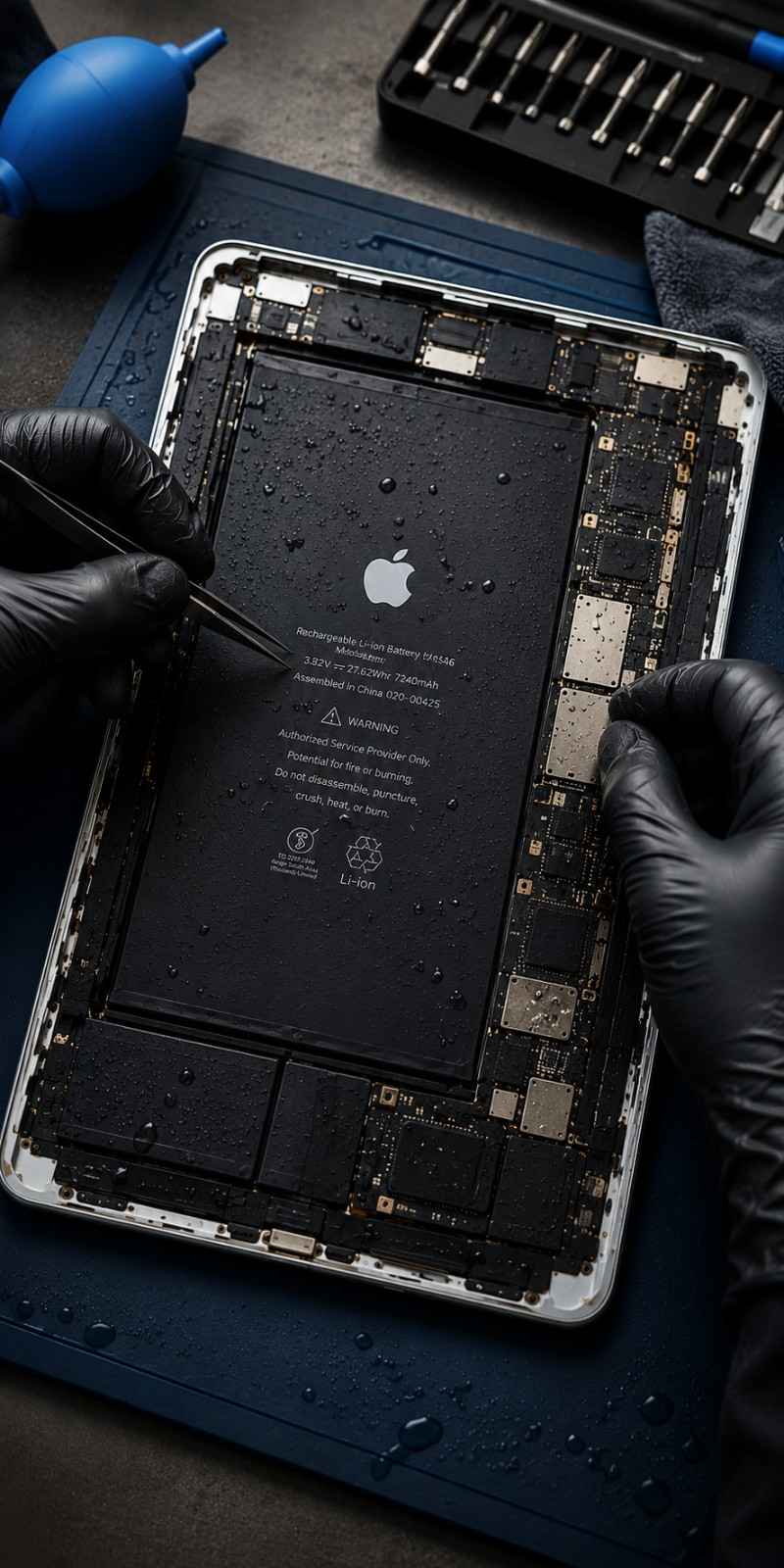
If your iPad Home button, power button, or volume button is stuck, loose, broken, or not responding, visit Phone Fashion Fix for iPad button repair in Ocala.
Avoid forcing the button or pressing it repeatedly. Bring your iPad in for diagnosis so we can check the button, flex cable, connectors, frame, and related components.
Find clear answers to common questions about iPad Home, power, and volume button repairs in Ocala.
Yes, Phone Fashion Fix offers iPad button repair in Ocala for Home button, power button, and volume button issues. We inspect stuck, loose, broken, jammed, and unresponsive buttons before recommending repair.
Yes, an iPad Home button can often be repaired or replaced, depending on the model and damage. If Touch ID is involved, diagnosis is important because the fingerprint function may depend on the original hardware pairing.
Your iPad's power button may not work because of impact damage, debris, frame pressure, flex cable failure, or internal connector problems. If the iPad will not turn on, the battery or charging system may also need testing.
Yes, a stuck or jammed iPad button may be repairable. The fix may involve cleaning, adjustment, button replacement, or flex cable repair, depending on what caused the button to stop moving properly.
An iPad volume button may stop working because of dirt buildup, impact damage, loose parts, internal flex cable damage, or software settings. A diagnostic check can confirm whether the issue is physical or internal.
Yes, water damage can cause iPad buttons to stop working. Moisture can affect the button, flex cable, connector, or internal circuits. If the button failed after liquid exposure, water damage diagnosis is recommended first.
Sometimes an iPad button problem requires flex cable repair. If the button clicks but does not respond, the internal cable or connector may be damaged instead of the outer button itself.
Yes, a broken iPad button can often be replaced, depending on the model and damage. Phone Fashion Fix checks the button, frame, flex cable, and related components before recommending replacement.