Dropped your iPhone in the pool or spilled a drink on it? Don't panic, and do not plug it in! Act fast to save your device. At Phone Fashion Fix, we specialize in immediate liquid damage diagnostics, motherboard cleaning, and data recovery to bring your phone back to life.
⚠️ Warning: Turn off your device immediately to prevent short circuits.
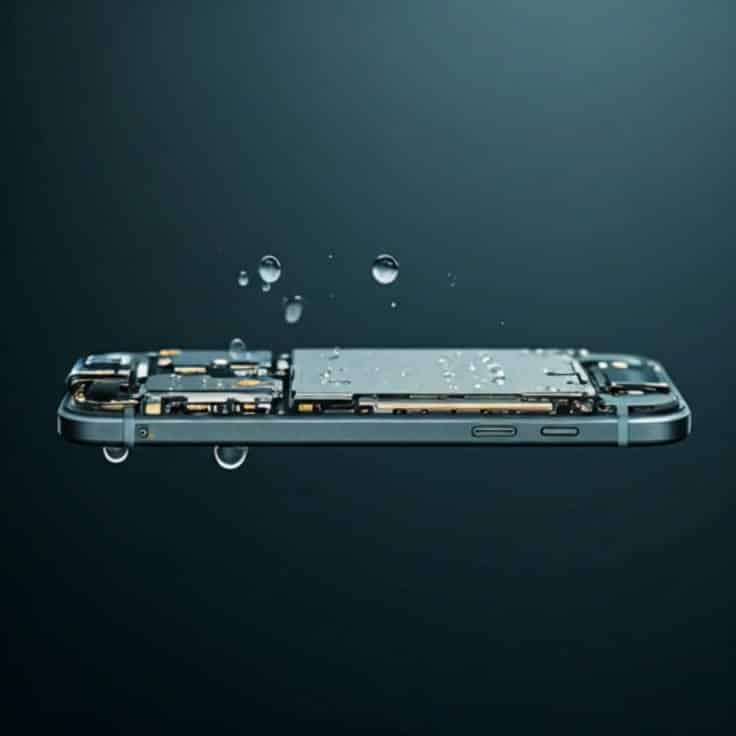
Dropped your iPhone in water, spilled a drink on it, or saw a liquid detected warning? Phone Fashion Fix provides iPhone water damage repair in Ocala, FL, with diagnostic service, repair recommendations, and help for wet iPhones that will not turn on, charge, play sound, show the screen, or work normally.
Water damage can affect more than one part of an iPhone. Moisture may reach the charging port, screen connectors, battery, speaker, microphone, camera, Face ID components, or logic board. Our technicians inspect your device first, explain what may be repairable, and provide a clear repair quote before approved work begins.
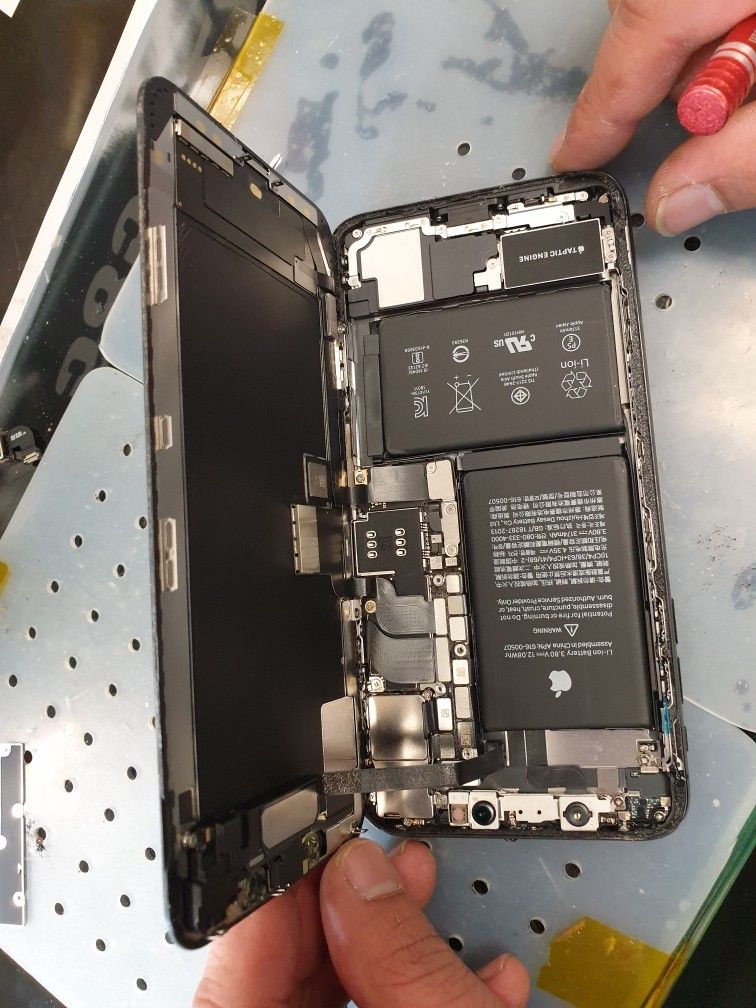
Water damage does not always cause the same symptoms. One iPhone may stop charging, while another may show a black screen, a muffled speaker, fast battery drain, foggy camera, or random shutdowns. A diagnostic helps identify which parts were affected before repair options are recommended.
If your iPhone will not turn on after getting wet, moisture may have affected the battery, display, internal connectors, or logic board. In some cases, the phone may still have power, but the screen is too damaged to show an image. We inspect the device carefully before recommending the next step.
An iPhone that will not charge after water exposure may have moisture in the charging port, corrosion on the connector, a damaged cable connection, or a battery-related issue. Newer iPhones may also show a liquid detection alert when moisture is detected in the Lightning or USB-C connector.
If your iPhone says “Liquid Detected,” disconnect the charger or accessory right away. This warning means moisture may be present in the connector, cable, or accessory. Charging should wait until the connector is fully dry or the phone has been inspected.
Water can affect the screen, display connector, touch response, or internal display circuits. Common symptoms include a black screen, flickering, ghost touch, dim display, lines on the screen, or no touch response.
Moisture can enter the speaker mesh, microphone openings, or internal audio components. If calls sound unclear, voice recordings are distorted, or audio sounds muffled, we can test the speaker, microphone, and related parts.
Foggy camera lenses, black camera screens, blurry photos, Face ID problems, or camera app failure can happen after water exposure. The issue may come from lens moisture, camera module damage, or internal connector problems.
Water exposure can cause fast battery drain, overheating, sudden shutdowns, or unstable charging. During the diagnostic, we check whether the battery, charging system, or another internal component is causing the problem.
For repairing iPhone water damage, we use a workflow to give our best service to our customers. We have mentioned our following process to repair liquid damaged iPhones.
We start by checking the iPhone model, symptoms, visible liquid exposure, screen behavior, charging response, and overall condition. This first step helps us decide which areas need deeper inspection.
Next, we inspect areas commonly affected by liquid, including the charging port, screen connection, battery area, speaker, microphone, camera, and internal components. Corrosion may continue, causing issues even after the outside of the phone looks dry.
We test charging, display response, touch function, battery behavior, speaker output, microphone input, camera operation, Face ID behavior, buttons, wireless functions, and overall performance where possible.
After the diagnostic, we explain what we found and provide a repair quote. If the phone is not worth repairing compared with replacement, we will explain that clearly so you can make the right decision.
Depending on the damage, repair may include charging port repair, battery replacement, screen replacement, camera repair, internal cleaning, corrosion treatment, or component replacement. Only approved repairs should be completed.
Before pickup, we test the iPhone again for charging, touchscreen response, calls, speaker, microphone, camera, buttons, Wi-Fi, Bluetooth, and general performance.
Liquid damage can get worse over time because moisture and corrosion may continue affecting internal parts after the iPhone looks dry on the outside. A fast diagnostic can help identify the problem early and may improve the chance of saving the device, data, or key components.
Even if the phone turns on after getting wet, hidden moisture may still affect the charging port, battery, display connector, camera, speaker, or logic board. That is why wet iPhone repair should not be delayed, especially if the phone shows a warning, overheats, drains fast, or behaves strangely.
Phone Fashion Fix services many iPhone models, depending on device condition and part availability.
Common models may include:
Model-specific water damage searches may include iPhone 14 water damage repair Ocala, iPhone 13 water damage repair Ocala, iPhone 12 not charging after water damage, and iPhone SE water damage repair near me.
Yes, many water-damaged iPhones can be repaired, but the result depends on the type of liquid, exposure time, whether the phone was charged while wet, and which parts were affected. The best next step is a professional diagnostic before charging or continuing to use the device.
Before replacing your iPhone, let Phone Fashion Fix inspect the damage. In many cases, repair may help you save money, recover important data, and extend the life of your device.
Repair may be the better option when:
A new phone may make more sense if the device has severe logic board damage, multiple failed parts, or repair costs that are too close to replacement cost. A diagnostic gives you the information you need before deciding.
Phone Fashion Fix provides iPhone water damage repair service for customers in Ocala, FL, and nearby Marion County areas. Visit us for help with wet iPhones, liquid detection alerts, charging problems, screen issues, speaker problems, and other water-related iPhone damage.
We serve customers from:
Due to our same-day repair and nearest best iPhone water-damage or liquid-spill repair, most of our customers are repeat customers.
Phone Fashion Fix provides local repair support for customers in Ocala and nearby Marion County communities. The official Phone Fashion Fix contact page lists the Paddock Mall Ocala location at:
Water damage can affect multiple parts at once. Our technicians inspect iPhone charging, screen, battery, camera, speaker, microphone, and power issues to help identify the real problem before repair.
We do not guess when water damage is involved. Diagnostic testing comes first because the symptoms may look simple, even when moisture has affected internal parts.
Water damage may lead to other repairs, including screen repair, battery replacement, charging port repair, camera repair, speaker repair, or back glass repair. We can explain which service applies after inspection.
Our goal is to help Ocala customers know what happened, what repair options are available, and whether the iPhone is worth fixing.
Repair time depends on the iPhone model, damage level, parts affected, and whether the phone can be safely powered on for testing. Some diagnostics can be handled the same day, while severe moisture or corrosion may require more inspection.
Water-damaged phones may take longer than simple part replacements because the technician needs to check multiple systems, including charging, battery, display, speaker, microphone, camera, buttons, and wireless functions.
Eligible iPhone water damage repairs may include a 90 Days warranty on qualifying parts and labor. Because water damage can affect hidden internal parts, warranty terms should be clearly explained before repair begins.
Typical exclusions may include new liquid exposure, new drop damage, corrosion that appears after repair, tampering, unrelated device issues, or damage caused by continued use after liquid exposure. Add the exact Phone Fashion Fix warranty policy here before publishing.
iPhone water damage repair is quote-based because liquid exposure can affect different parts on different devices. Pricing depends on the iPhone model, type of liquid, level of corrosion, affected components, part availability, and whether the device needs cleaning, charging port repair, battery replacement, screen repair, or board-level inspection.
Pricing structure to publish:
We don't just fix water damage. If your device has other hardware issues, our expert technicians in Ocala can help restore your iPhone to perfect working condition.
Choose iPhone screen repair in Ocala if your display is black, cracked, flickering, showing lines, or not responding after water exposure.
iPhone Screen RepairChoose iPhone battery replacement in Ocala if your battery drains quickly, overheats, shuts down, or no longer holds a charge after liquid damage.
iPhone Battery ReplacementChoose iPhone charging port repair in Ocala if your iPhone will not charge, shows liquid detected, or only charges at certain angles.
iPhone Charging Port RepairChoose iPhone camera repair in Ocala if your camera looks foggy, opens to a black screen, will not focus, or stops working after getting wet.
iPhone Camera RepairChoose iPhone back glass repair in Ocala if the back glass is cracked, separated, or damaged near internal components.
iPhone Back Glass RepairFind answers to the most common questions about fixing water-damaged iPhones and what you should do next.
Yes, many water-damaged iPhones can be repaired, depending on which parts were affected and how quickly the device is inspected. A diagnostic helps confirm whether repair is possible and whether the cost makes sense compared with replacement.
Unplug it, avoid charging it, gently dry the outside, and bring it in for a diagnostic. Do not use rice, heat, compressed air, or objects inside the charging port because those methods may cause more damage.
Your iPhone may show a liquid detected warning when moisture is found in the Lightning or USB-C connector, cable, or accessory. Disconnect the charger immediately and wait until the connector is dry before charging again.
Yes. Liquid exposure can affect the battery, charging system, or internal components, which may cause fast battery drain, overheating, sudden shutdowns, or unstable charging. A diagnostic can help identify whether battery replacement is needed.
In some cases, data may still be recoverable if the device can be safely powered on or repaired enough to access the storage. The result depends on the condition of the phone and which internal parts were affected.
The cost depends on the iPhone model, liquid exposure, corrosion level, and which parts need repair or replacement. Phone Fashion Fix can inspect the device and provide a quote before approved repair work begins.
No, not until the iPhone and connector are completely dry. Charging while moisture is present can damage connector pins, cause corrosion, or create charging problems. Apple recommends disconnecting the cable when a liquid alert appears.
Sometimes. If the battery was affected by liquid or the phone drains quickly after water exposure, battery replacement may be recommended after diagnostic testing. Other parts may also need inspection before the final repair plan is confirmed.
Do not keep charging or using a wet iPhone if it shows signs of liquid damage. Visit Phone Fashion Fix for professional iPhone water damage repair in Ocala, FL, and get your device inspected by a local repair technician.
Whether your iPhone will not turn on, will not charge, shows a liquid detected warning, has a black screen, sounds muffled, drains fast, or has a foggy camera, our team can diagnose the issue and explain your repair options.