
Same-Day USB-C & Micro-USB Restoration • Ocala

Android Charging Port
Repair In Ocala

Is your phone only charging at a specific angle, loose when plugged in, or completely unresponsive to power cables? A broken connection shouldn't ruin your device. Phone Fashion Fix offers precision diagnostics and fast charging port repairs for Samsung, Pixel, and all major Android models inside Paddock Mall.
Certified Pins & Flex Sourcing
Current & Amp Testing
Android Charging Port Repair Ocala FL
Ocala Local Paddock Mall Repair

Android Phone Not Charging?
Start With a Diagnostic

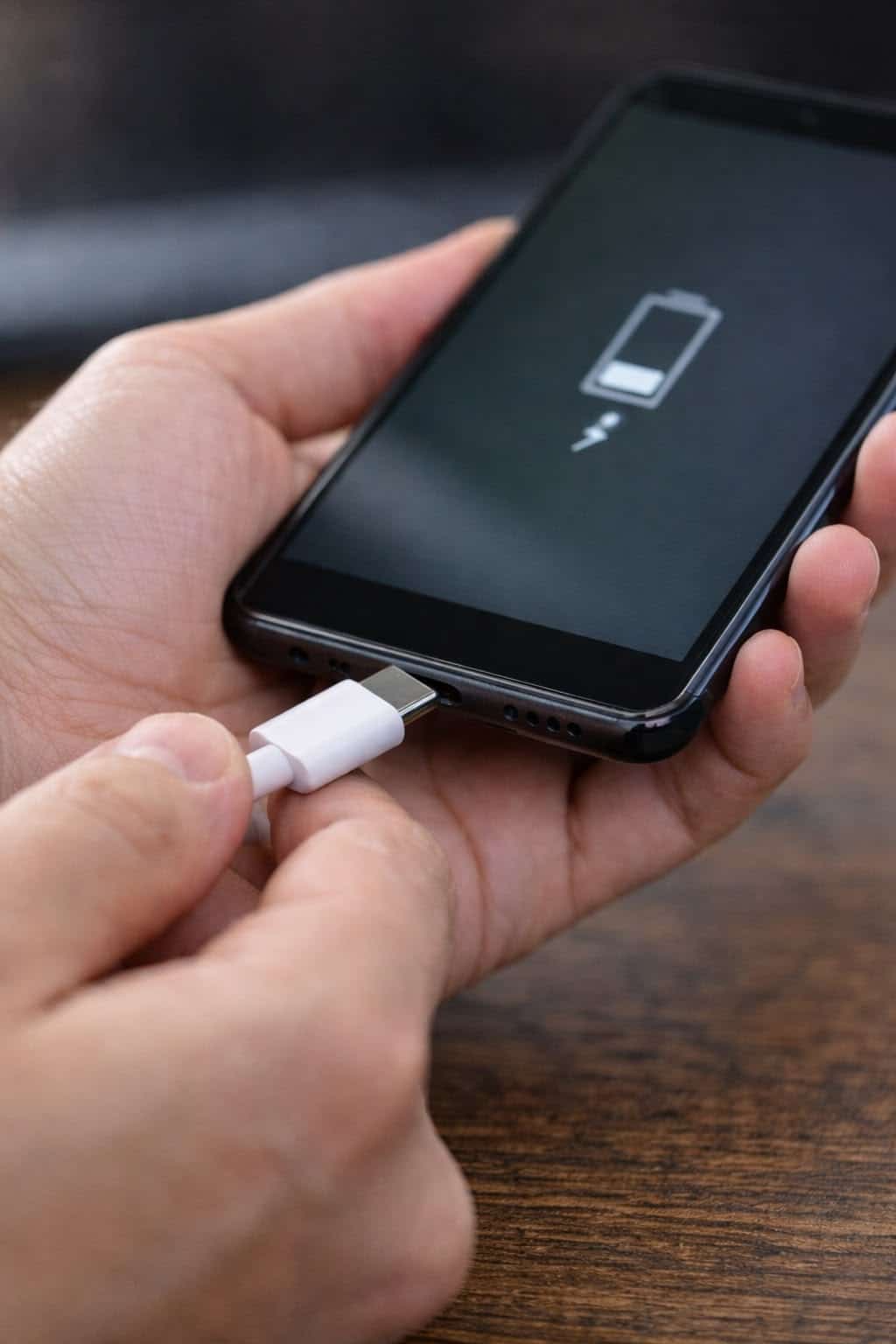
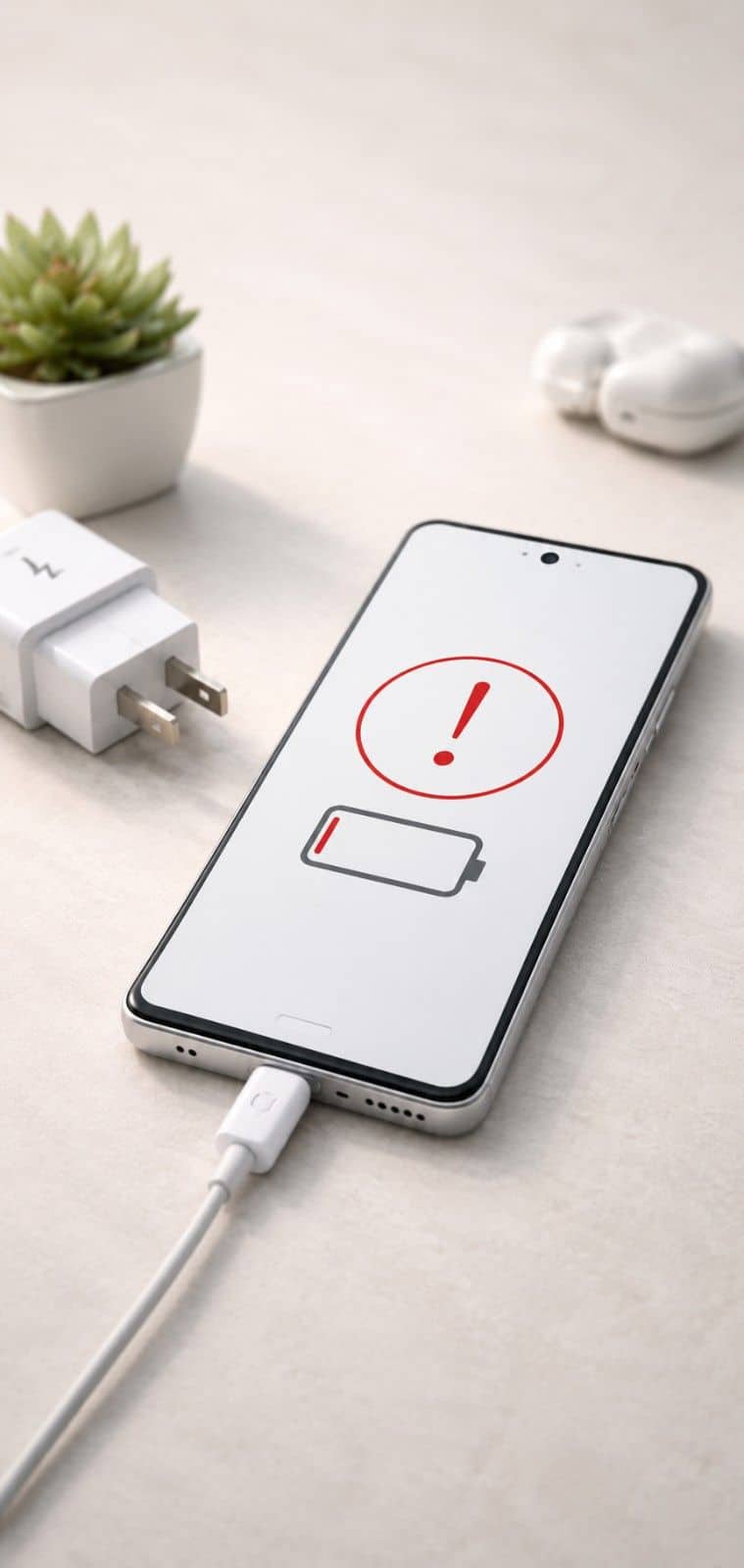
Are you looking for the best Android phone charging port repair in Ocala? Phone Fashion Fix helps Android users with phones that will not charge, charge slowly, connect loosely, or only charge when the cable is held at a certain angle.

We are located inside Paddock Mall at 3100 SW College Rd, K123, Ocala, FL 34474. If your Android phone has a loose USB-C port, a moisture warning, debris inside the port, or charging problems after a drop, bring it in for repair help.

Charging issues are not always caused by the charging port itself. The problem may come from the cable, wall adapter, battery, software, water damage, debris, or internal hardware. A diagnostic helps confirm the real cause before replacing parts.

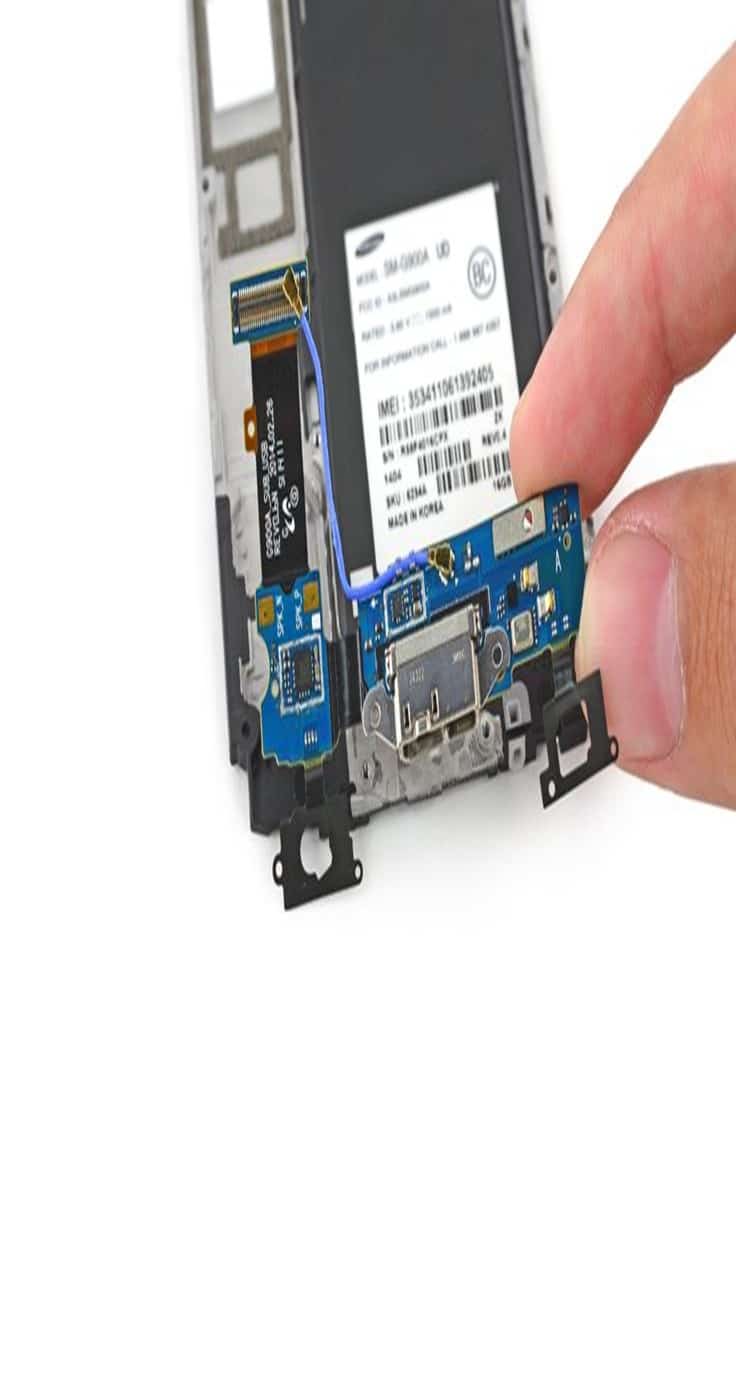
Android charging port repair fixes problems with the USB-C charging connection when a phone will not charge, charges slowly, or connects loosely. The service may include port cleaning, USB-C port replacement, charging diagnostics, and post-repair charging tests.
Android Phone Charging Port Diagnosis Ocala

Charging Port Repair Services for Android Phones

Phone Fashion Fix provides Android charging repair for phones with USB-C port problems, loose cable connections, moisture warnings, and charging failure. Not every charging issue needs a port replacement. Sometimes the port is dirty. Sometimes the cable is worn out. In other cases, the USB-C connector may be damaged, corroded, or loose from daily use.

Our Android charging port service may include:

  • Charging port inspection
  • USB-C port cleaning
  • Loose cable connection diagnosis
  • Charging port replacement when needed
  • Moisture, debris, or corrosion check
  • Battery and charging behavior review
  • Charging test after service

USB-C Charging Port Cleaning

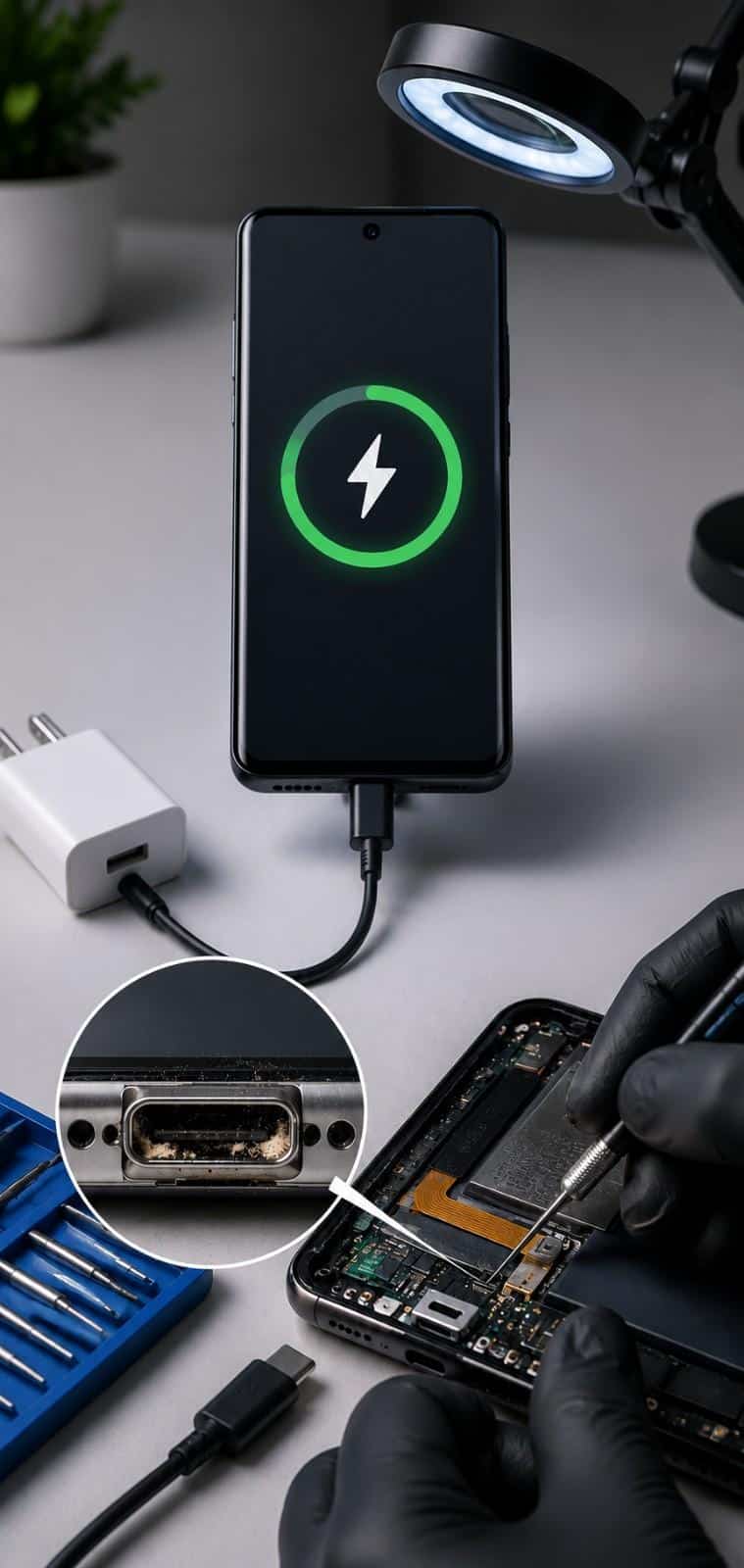
Pocket lint, dust, and debris can block the charging cable from seating properly. If the cable does not click in firmly or feels loose, the port may need cleaning rather than replacement.

Avoid digging inside the port with metal tools, pins, or sharp objects. That can bend internal contacts and make the issue worse.

Charging Port Replacement

If the USB-C port is damaged, loose, bent, corroded, or no longer making a stable connection, replacement may be needed. The exact repair depends on your Android model and how the charging port is built into the device. Some phones use a separate charging port board. Others require more detailed internal work.

Loose or Intermittent Charging Repair

A phone that charges only at an angle often has a worn port, debris inside the connector, or a cable fit issue. A diagnostic can confirm whether the phone needs cleaning, a new charging cable, port repair, or another service.

Moisture, Debris, and Corrosion Checks

If your Android phone shows a moisture warning or stops charging after liquid exposure, the port should be inspected before you continue charging. Moisture and corrosion can affect the charging connection and may point to a larger water damage issue.

Samsung, Google Pixel, Motorola, LG, and Other Android Models

Phone Fashion Fix helps with many Android charging issues, including Samsung Galaxy, Google Pixel, Motorola, LG, OnePlus, and other USB-C Android phones.

Because parts vary by model, call with your exact phone model before visiting when possible.

Signs Your Android Charging Port May Need Repair

Charging port problems usually show up in small ways before the phone stops charging completely. Recognizing these early warning indicators can prevent sudden total power failure.

The Cable
Feels Loose

If the cable wiggles, falls out, or does not sit firmly in the port, the USB-C connector may be worn, dirty, or damaged.

Your Phone Only
Charges at an Angle

This is one of the most common signs of a charging port issue. You may have to bend the cable, hold the phone a certain way, or place pressure on the connector to keep charging.

Charging Starts
and Stops

If the phone repeatedly connects and disconnects from charging, the issue may be the port, cable, adapter, battery, or internal charging circuit.

Slow Charging or
No Charging Icon

A phone that charges very slowly or does not show the charging icon may have a blocked port, a damaged USB-C connector, a weak battery, or a software-related power issue.

Moisture or
Debris Warning

Some Android phones show warnings when moisture or debris is detected around the charging area. Do not ignore repeated warnings, especially if the phone was exposed to water, sweat, rain, or humidity.

The Phone Gets
Hot While Charging

Heat can come from the charger, battery, charging port, or internal damage. Stop using damaged chargers and bring the phone in if the heat is unusual or happens repeatedly.

Android Charging Port Damage Inspection Ocala
Critical Alert Risk Factor

Why Charging Problems Should Not Be Ignored

A charging problem can quickly become a daily frustration. If your phone will not charge reliably, you may lose access to calls, messages, maps, work apps, photos, and payment apps when you need them most.

A loose or damaged port may also get worse if you keep forcing the cable into place. Bent contacts, worn connectors, and debris inside the port can create a poor connection.

Charging issues can also affect the battery. If the phone charges inconsistently, the battery may not receive steady power. That does not always mean the battery is bad, but it does mean the phone should be checked.

Avoid these common mistakes:

  • Forcing the cable into the port

  • Using damaged or cheap charging cables

  • Scraping inside the USB-C port with metal objects

  • Continuing to charge after liquid exposure

  • Assuming every charging problem is only a battery issue

  • Ignoring repeated moisture warnings

Charging Port Issue, Battery Problem, or Cable Problem?

Many Android users ask for charging port repair because the phone will not charge. Sometimes that is the right repair. Other times, the issue starts somewhere else. Use this matrix to understand the indicators.

When It May Be the Charging Port

The charging port may be the issue if:

  • The cable feels loose
  • The phone only charges at an angle
  • Charging starts and stops
  • The USB-C port looks damaged
  • The phone does not recognize multiple chargers
  • There is visible debris or corrosion

When It May Be the Battery

The battery may be the issue if:

  • The phone drains quickly after charging
  • The phone shuts off randomly
  • The battery percentage drops suddenly
  • The phone only works while plugged in
  • The battery looks swollen

When It May Be the Cable or Adapter

A damaged cable or weak adapter can mimic a phone repair issue. If possible, test with a known-good charger before assuming the phone needs repair.

When It May Be the Water Damage

Liquid exposure can affect the charging port, battery connector, internal board, or display. If the charging problem started after moisture exposure, mention that during check-in.

Why Choose Phone Fashion Fix for Android Charging Repair?

Phone Fashion Fix gives Ocala customers a local option for Android charging problems without mailing the phone away or guessing which part is failing.

Ocala Storefront

Local Paddock Mall Location

Visit us at:

Phone Fashion Fix

Paddock Mall

3100 SW College Rd, K123

Ocala, FL 34474

Diagnostic-First Repair Help

Charging problems can come from the USB-C port, cable, adapter, battery, water damage, or internal components. We focus on checking the issue first so you can make a better repair decision.

Android and Smartphone Repair Support

Phone Fashion Fix helps with Android phone repair issues such as charging problems, battery concerns, cracked screens, and other smartphone repair needs.

Quote Before Repair

You should understand the likely repair and cost before approving the work. Charging port pricing can vary based on model, part availability, cleaning vs. replacement, and damage level.

Post-Repair Charging Check

After repair, the phone should be tested for charging recognition, cable fit, and basic charging behavior before return.

Our Android Charging Port Repair Process

We follow a structured diagnostic and testing workflow to ensure your USB-C or Micro-USB port receives the precise cleaning or hardware restoration it needs.

01

Check the Charger,
Cable, and Port

We start by reviewing the charging issue. Bring the charger or cable you normally use if possible. That helps determine whether the problem is the phone, cable, or adapter.

02

Inspect for Debris,
Damage, or Corrosion

The USB-C port is checked for lint, dirt, bent contacts, loose fit, corrosion, moisture signs, or damage caused by forcing the cable.

03

Review Battery and
Charging Behavior

If the phone powers on, we may check whether it recognizes the charger, charges slowly, disconnects, heats up, or drains quickly after charging.

04

Confirm Whether Cleaning
or Replacement Is Needed

Some charging problems can be solved with careful port cleaning. Others require USB-C port replacement or additional repair if the internal connector is damaged.

05

Provide a Repair
Recommendation & Quote

Before service begins, we explain the likely issue and repair option. If the problem appears to involve the battery, water damage, or the internal board, we explain that as well.

06

Complete Repair and
Test Charging Performance

After the repair, the phone should be tested with charging equipment to confirm that the port recognizes power and the cable connection is stable.

Android Charging Port Repair Cost Factors

The cost of Android charging port repair in Ocala depends on the phone model, type of repair, device condition, and whether the issue is simple cleaning or full port replacement. For pricing, call +1 352-254-5809 or visit Phone Fashion Fix at Paddock Mall with your Android phone.

In-Store Sourcing

Get a Fast Repair Quote

For the fastest quote, provide your phone brand, model number, and a short description of the charging problem.

Cost Factor
Why It Matters

Phone model

Samsung, Pixel, Motorola, LG, and other Android phones use different charging parts

Cleaning vs. replacement

A dirty port may cost less to address than a damaged port

Part availability

Some USB-C port parts may need to be ordered

Water damage

Corrosion or liquid exposure may require deeper inspection

Battery condition

A weak battery can look like a charging issue

Internal damage

Board-level problems can change the repair recommendation

Device design

Some Android phones require more labor to access the port

Android Charging Port Repair Service Areas Near Ocala

Phone Fashion Fix provides Android charging port repair help from our location inside Paddock Mall at 3100 SW College Rd, K123, Ocala, FL 34474.

Our shop is convenient for customers near Southwest Ocala, the SW College Road / SR 200 corridor, and nearby Marion County areas who need help with phones that will not charge, charge slowly, or have loose USB-C charging connections.

Customers commonly visit us from:

  • Paddock Mall area
  • Southwest Ocala
  • SW College Road / SR 200 corridor
  • Heath Brook
  • Fore Ranch
  • West Ocala
  • Downtown Ocala
  • Nearby Marion County communities

If you are near Paddock Mall and need Android charging port repair, call +1 352-254-5809 with your phone model to check repair options, pricing, and part availability.

Android Charging Port Repair Time Ocala
Turnaround Time Metrics

How Long Does Android Charging
Port Repair Take?

Android charging port repair time depends on the phone model, part availability, damage level, and whether the port needs cleaning or replacement.

A simple charging issue may be faster to check if the problem is debris or a loose cable fit. A full USB-C port replacement may take longer, especially if parts need to be ordered or the phone has water damage.

Repair timing can be affected by:

  • Android model

  • Port design

  • Cleaning vs. replacement

  • Part availability

  • Water damage or corrosion

  • Battery condition

  • Testing is needed after the repair

Repair Support, Warranty, and After-Service Testing

Ask Phone Fashion Fix about the current warranty or service support terms before approving Android charging port repair. Coverage can depend on the repair type, device condition, replacement part, and whether the phone has liquid or impact damage.

After charging port repair, the phone should be checked for:

  • Charging recognition

  • Cable fit

  • Stable connection

  • Charging consistency

  • Basic power behavior

  • Signs of overheating

Warranty Exclusions & Policy Notice

Warranty or service support may not cover new liquid damage, future drops, forced cable damage, incompatible chargers, unauthorized repairs, or unrelated device problems.

Receipt Sourcing & Service Returns

Keep your repair receipt and contact the shop promptly if the charging issue returns after service.

Aftercare Tips for Your Android Charging Port

A little care can help reduce repeat charging problems. Follow these professional structural habits to sustain a stable connection and secure your phone's power lifespans.

Essential Daily Charging Habits

  • Use a quality USB-C cable that fits properly

  • Do not force the cable into the port

  • Keep the phone away from moisture while charging

  • Avoid charging with a damaged cable

  • Remove the cable gently instead of bending it sideways

  • Use a case that does not block the charging connector

  • Bring the phone in if the port feels loose again

Critical Moisture Advisory

If the phone shows a moisture warning, stop charging until the issue is checked. Moisture can rapidly rust or short internal power routes if current is left forced active.

Pre-Repair Safety

Data Backup
Before Charging
Port Repair

Charging port repair usually focuses on hardware, but it is still smart to back up your Android phone before any repair, when possible.

Back up important items such as:

Photos and videos
Contacts
Messages
Work files
App data
Account recovery details

If your phone will not charge or power on, tell the technician during check-in. They can explain what can and cannot be tested before repair.

FAQs About Android Charging Port Repair

Find fast, professional answers to common questions regarding Android USB-C connection problems, battery performance drops, and Ocala repair sourcing.

Why is my Android phone not charging?

Your Android phone may not be charging because of a bad cable, a damaged charger, debris in the USB-C port, a loose charging port, moisture, battery failure, or internal damage. A diagnostic helps confirm the cause before replacing parts.

Can an Android charging port be repaired?

Yes, many Android charging port problems can be repaired. Depending on the issue, the phone may need port cleaning, USB-C port replacement, battery diagnosis, or water damage inspection.

How do I know if my charging port is dirty or broken?

A dirty charging port may make the cable feel loose or prevent it from seating fully. A broken port may cause charging only at an angle, repeated disconnects, or no charging response with multiple cables. Inspection is the best way to know.

How much does Android charging port repair cost in Ocala?

Android charging port repair cost depends on the phone model, port condition, part availability, and whether the issue needs cleaning or replacement. Call +1 352-254-5809 or visit Phone Fashion Fix at Paddock Mall for pricing.

Can water damage cause my Android phone to stop charging?

Yes, moisture or corrosion can stop an Android phone from charging properly. If your phone got wet or shows a moisture warning, avoid forcing the charger and bring it in for inspection.

Is it the charging port or the battery?

A charging port issue often causes a loose cable connection, intermittent charging, or charging only at an angle. A battery issue often causes fast drain, random shutdowns, or poor charge retention. A diagnostic can separate the two problems.

Storefront Check-In Ready

Get Android Charging Port Repair in Ocala

If your Android phone will not charge, charges slowly, connects loosely, or only works when the cable is held at an angle, if you are looking for android phone charging port repair near me then you have come to the right place. Visit Phone Fashion Fix at Paddock Mall for repair help.

Call +1 352-254-5809 or email phonefashionpaddockmarket@gmail.com with your phone model and charging issue to ask about pricing, part availability, and repair options.