Is your tablet failing to charge, recognizing the cable only at a certain angle, or feeling loose when plugged in? Phone Fashion Fix restores clean power connectivity with expert charging port hardware diagnostics and precision replacement.
Avoid the frustration of a dead device. Bring your iPad, Samsung Tab, or Android tablet to our Paddock Mall storefront today for rapid terminal port repairs, reliable component testing, and upfront pricing.
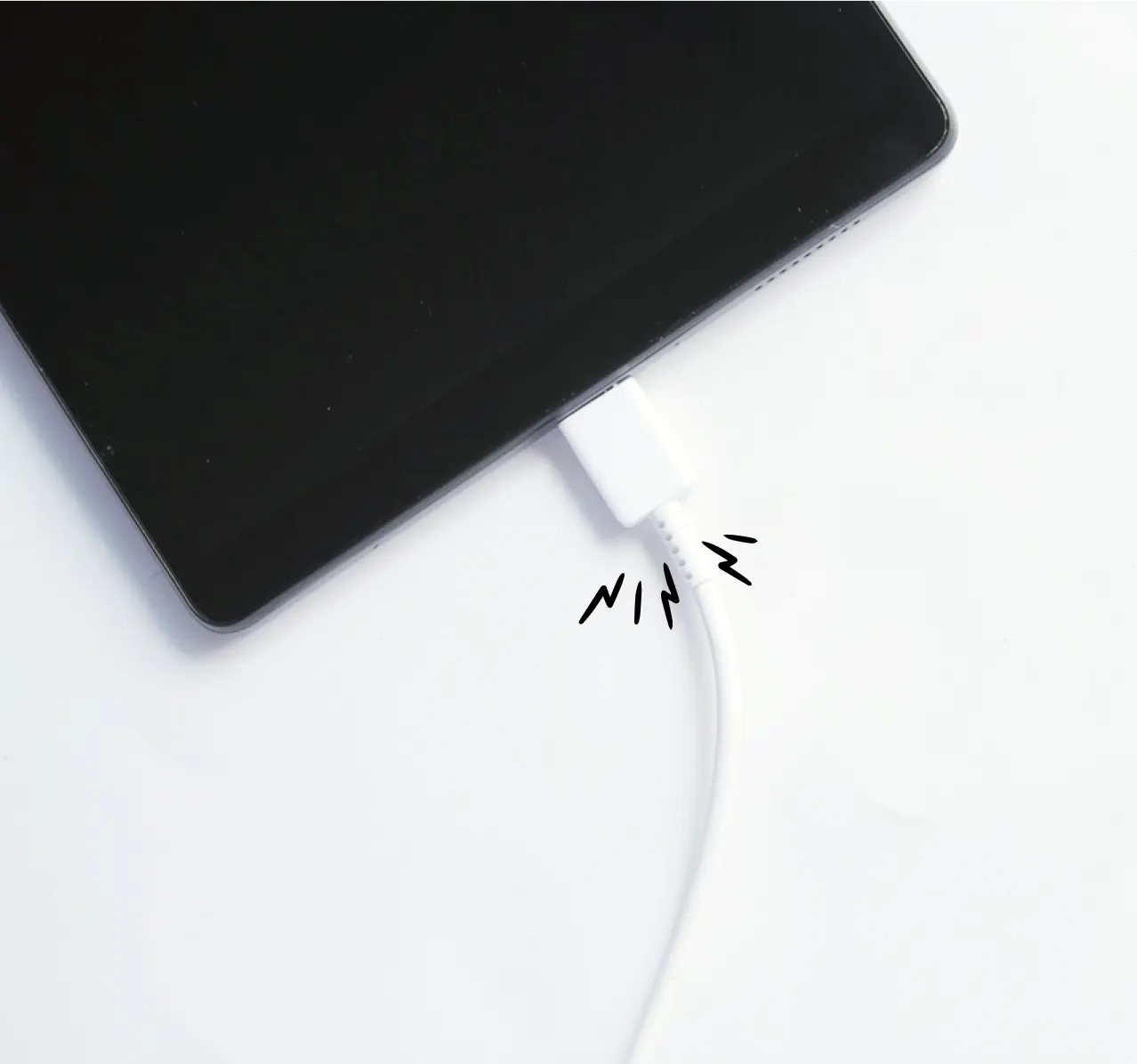
If your tablet will not charge, only charges at an angle, or keeps connecting and disconnecting from the charger, Phone Fashion Fix can help with tablet charging port repair in Ocala. Visit our shop inside Paddock Mall for a charging issue diagnosis, repair quote, and clear explanation before any repair begins.
Charging problems are not always caused by the port. A tablet may fail to charge because of a bad cable, a weak adapter, a dirty charging port, a damaged battery, moisture, corrosion, a software issue, or an internal power problem. That is why we check the device first instead of replacing parts based on guesswork.
Please bring your iPad, Samsung Galaxy Tab, Android tablet, charger, and cable, if possible. Testing the full charging setup helps us find the real cause faster.
When a tablet stops charging, the charging port is one of the first parts that should be inspected. A loose port, damaged connector, debris buildup, worn cable, or battery issue can all create similar symptoms, so diagnosis is the safest way to avoid the wrong repair.
Tablet charging port repair is a service that fixes charging connection problems by inspecting the port, testing the cable and adapter, checking for debris or damage, and repairing or replacing the port when needed. It is best for tablets that charge only at an angle, feel loose when plugged in, or will not charge reliably.
A working charging port should hold the cable securely and allow the tablet to charge without constant repositioning. If you have to twist the cable, press it in, or keep the tablet perfectly still to charge, the port or connector may need attention.
At Phone Fashion Fix, we diagnose the issue first, so you know whether the tablet needs port cleaning, port repair, battery service, or another repair.
Our tablet charging port repair service is designed to find the real cause of the charging problem before replacing parts. This helps customers understand whether the issue is simple debris, a damaged port, a bad cable, a weak battery, or a more complex internal problem.
A tablet charging issue diagnostic may include:
Different tablets use different charging ports. Newer iPads and many Android tablets use USB-C. Older iPads may use a Lightning connector. Some budget Android tablets use other port styles depending on the model.
The type of port matters because repair difficulty, part availability, and labor can vary. A USB-C tablet charging port repair may involve a different part or repair method than a Lightning port repair on an iPad.
Sometimes a tablet does not charge because lint, dust, or debris is packed inside the port. If the connector is not damaged, careful cleaning may solve the issue.
Repair may be needed when the port is loose, bent, corroded, physically damaged, or no longer makes a stable connection with the cable. If the tablet has been exposed to water or moisture, the repair may require extra inspection before a quote is given.
Charging port issues usually show up as connection problems, not just low battery life. If the tablet charges only in certain positions or stops charging when moved, the port, cable, or connector should be checked before the problem gets worse.
Common signs include:
If you have to bend, twist, or hold the charging cable in place, the port may be loose or worn. Continuing to force the cable can make the damage worse and may also damage the charging cable.
A cable that no longer sits firmly in the port is a strong sign that something is wrong. The issue may be debris inside the port, a worn cable end, or physical damage to the connector.
When a tablet connects and disconnects repeatedly, the port may not be making steady contact. This can also happen with a bad cable, weak adapter, battery issue, or moisture-related problem.
A damaged charging port can make your tablet unreliable and may lead to bigger repair needs if the cable is forced repeatedly. Getting the issue checked early helps protect the connector, battery, and internal components from avoidable stress.
If the tablet is still charging sometimes, it may be tempting to keep forcing the cable into position. That can put more pressure on the port, internal connector, battery, or board.
Charging problems can also stop you from backing up files, updating apps, using the tablet for school, or relying on it for work. If the battery runs out completely and the device cannot charge, diagnosis may become harder.
Moisture and corrosion are also important. If the tablet has been exposed to water, humidity, spills, or a wet charging cable, avoid forcing the charger. A technician should inspect the port before more power is applied.
Professional diagnosis helps separate port damage from other issues, such as:
The goal is not just to make the tablet charge once. The goal is to restore a reliable charging connection and confirm the device responds properly after service.
A tablet that will not charge does not always need charging port repair. Some devices have a damaged port that cannot deliver power, while others have a worn battery that no longer accepts or holds a charge.
A quick inspection can save money by avoiding the wrong repair. If the port is damaged, battery replacement will not fix the charging connection. If the battery has failed, port replacement may not solve the power issue.
Phone Fashion Fix gives Ocala customers a local place to get charging problems checked without mailing the tablet away or replacing the device too soon. Our shop inside Paddock Mall makes it convenient to bring the tablet in, explain the issue, and get repair guidance in person.
Phone Fashion Fix is located inside Paddock Mall in Ocala, making it convenient for customers near the SW College Road / SR 200 area. You can bring the tablet in, explain the problem, and get repair guidance before approving service.
We do not assume the charging port is the problem until the device is checked. We look at the charger, cable, port condition, charging response, battery behavior, and visible signs of damage before recommending repair.
We inspect charging problems on common tablet types, including iPad, Samsung Galaxy Tab, and Android tablets. Service depends on the model, port type, part availability, and device condition.
Charging port repair cost can vary. Before work begins, we explain the likely repair, what may affect pricing, and whether the tablet is worth fixing based on its condition.
After repair, the tablet should be tested for cable fit, charging recognition, charging consistency, and basic power behavior. This quality check helps confirm that the charging issue has been addressed.
Our repair process is built around clear diagnosis, upfront communication, and testing after service. You will know what we are checking, what we found, and what repair option makes sense before work begins.
We start by asking what the tablet is doing. Helpful details include whether it charges slowly, only works at an angle, stopped charging suddenly, was dropped, or may have been exposed to moisture.
If you bring your charger and cable, we can test whether the issue is with the tablet or the accessory. A worn cable can mimic a damaged charging port.
The technician checks the port for dust, lint, looseness, bent pins, corrosion, moisture signs, or physical damage. If cleaning may help, we explain that before moving to repair.
We determine whether the issue appears to be the port, battery, cable, adapter, or another internal component. Then we explain the repair option and provide an estimate.
If repair is approved and parts are available, the charging port is repaired or replaced as needed. Some tablets require careful opening because screens, adhesive, flex cables, and internal parts are close together.
After service, we test the charging connection, cable fit, power response, and basic device function. If another issue appears during testing, we explain it before recommending additional service.
Tablet charging port repair cost depends on the tablet model, port type, repair method, part availability, and whether the tablet has other damage. A diagnostic is the best way to get an accurate quote instead of relying on a generic price.
Pricing usually depends on tablet model, service complexity, parts, damage level, and repair timing. Contact Phone Fashion Fix or visit our Paddock Mall location for a custom quote.
Phone Fashion Fix provides tablet charging port repair support for customers in Ocala, FL, from our shop inside Paddock Mall. This is a convenient option for tablet owners who want in-person diagnosis, repair guidance, and a clear quote before deciding what to do next.
We regularly help customers from areas near Paddock Mall and the SW College Road / SR 200 corridor, including:
If you are close to Paddock Mall and your iPad, Samsung Galaxy Tab, or Android tablet will not charge, charge slowly, or only charge at an angle, bring it to Phone Fashion Fix for a charging issue check. Call ahead to ask about repair availability for your tablet model.
The repair timeline depends on what is causing the charging problem. Simple cleaning or inspection may be faster, while port replacement, moisture damage, part ordering, or additional battery testing can take longer.
Repair may take longer if:
For the fastest visit, bring the tablet, charger, and cable. If the tablet still powers on, back up important files before repair when possible.
After repair, testing helps confirm that the tablet charges properly and that the cable connection is stable. Warranty terms should be confirmed at the time of service so you understand what is covered and what may be excluded
Post-repair testing may include:
Warranty coverage may not apply to new physical damage, liquid damage, corrosion, customer-supplied parts, board-level problems, or unrelated issues that appear after service. Keep your receipt in case follow-up support is needed.
These FAQs answer common questions from Ocala customers who are trying to decide whether their tablet needs port repair, battery service, cleaning, or further diagnosis. They are written to help you understand what to expect before visiting the shop.
Your tablet may only charge at an angle because the charging port is loose, dirty, bent, or damaged. A worn cable can cause the same symptom, so bring your charger and cable with the tablet for testing.
Yes, many tablet charging ports can be cleaned, repaired, or replaced after diagnosis. The repair option depends on the tablet model, port type, part availability, and whether there is damage from impact, debris, or moisture.
It could be either. A bad charging port often causes loose cable connection, angle-only charging, or no charging response. A bad battery may cause fast drain, shutdowns, or failure to hold power after charging. Testing confirms the cause.
The cost depends on the tablet model, port type, labor, part availability, and whether there is liquid damage, corrosion, or battery trouble. Phone Fashion Fix can provide a more accurate quote after inspecting the device.
Phone Fashion Fix can inspect charging port issues on iPad, Samsung Galaxy Tab, and Android tablets. Repair availability depends on your exact model, connector type, part availability, and device condition.
Bring the tablet, charger, and cable if possible. Avoid forcing the cable into the port, and do not keep charging the tablet if you suspect moisture, corrosion, overheating, or physical damage.
Explore our full suite of precision tablet hardware restoration lines. Whether your device has power failures, structural outer housing drops, or chemical liquid exposure, our Paddock Mall facility delivers certified diagnostics and immediate component relief.
Restore absolute glass clarity and liquid digitizer touch grid response thresholds after drop impacts. We eliminate deep glass cracks, backlight bleeds, and dead display pixels using premium hardware components.
Screen RepairEliminate rapid charge drains, unexpected power cutoffs, and dangerous cell swelling. Our technicians clean internal core layers and swap aging power cells with premium, long-lasting alternatives.
Battery ReplacementAvoid guesswork and spending money on the wrong hardware repairs. Our team runs thorough logic logs, motherboard terminal scans, and configuration checks to isolate systemic root errors.
Diagnostic ServiceStop moisture-related corrosion from ruining your tablet motherboard. We perform specialized fluid extraction, ultrasonic component scrubbing, and target critical power line corrosion traces.
Water Damage RepairIf your tablet will not charge, charges only at an angle, or keeps losing connection, Phone Fashion Fix can inspect the device and explain your repair options. Visit our shop inside Paddock Mall in Ocala for local tablet charging support.
Bring your tablet, charger, and cable. This helps us test the full charging setup and provide a more accurate recommendation. Call Phone Fashion Fix, ask about tablet charging port repair, or visit our Paddock Mall location for a diagnostic.