iPad won't charge, connects loosely, or only charges at a specific angle? A broken or clogged charging port shouldn't force you to buy a new device. Phone Fashion Fix provides fast, reliable charging port diagnosis, cleaning, and replacement.
Walk-ins welcome at our Paddock Mall location.
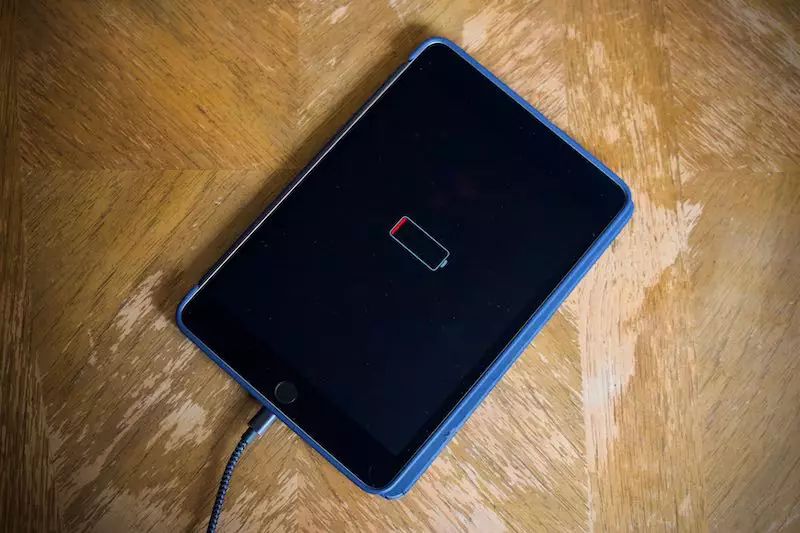
If you need iPad charging port repair in Ocala, Phone Fashion Fix can help diagnose and fix charging problems before they get worse. Whether your iPad won't charge, only charges at an angle, charges slowly, or has a loose charging port, our local repair team can inspect the issue and recommend the right solution.
Charging problems are frustrating because they can make a perfectly good iPad feel unusable. In many cases, the issue may be a dirty charging port, damaged pins, a worn charging dock, a bad cable, battery trouble, or internal power damage. If you are looking for an iPad charging port repair near me, you have found the best place.
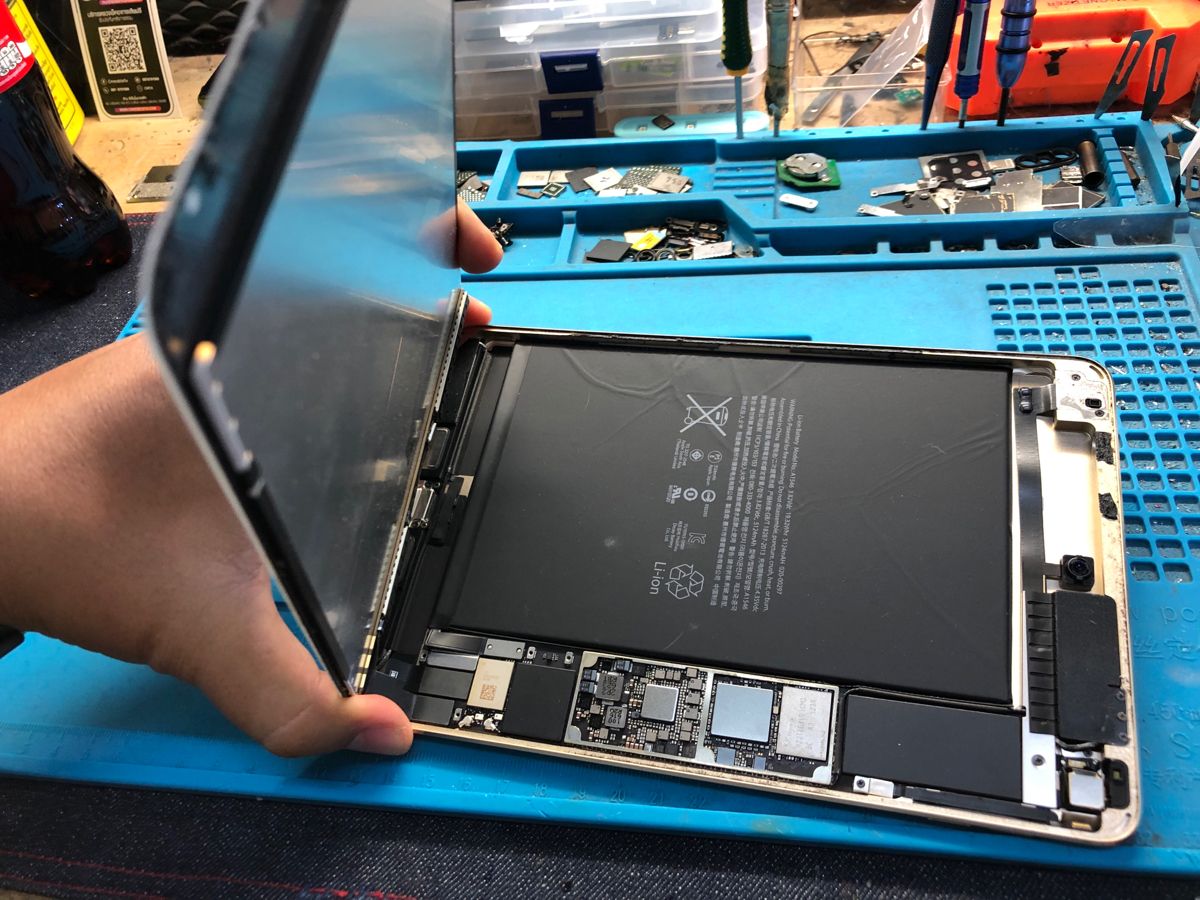
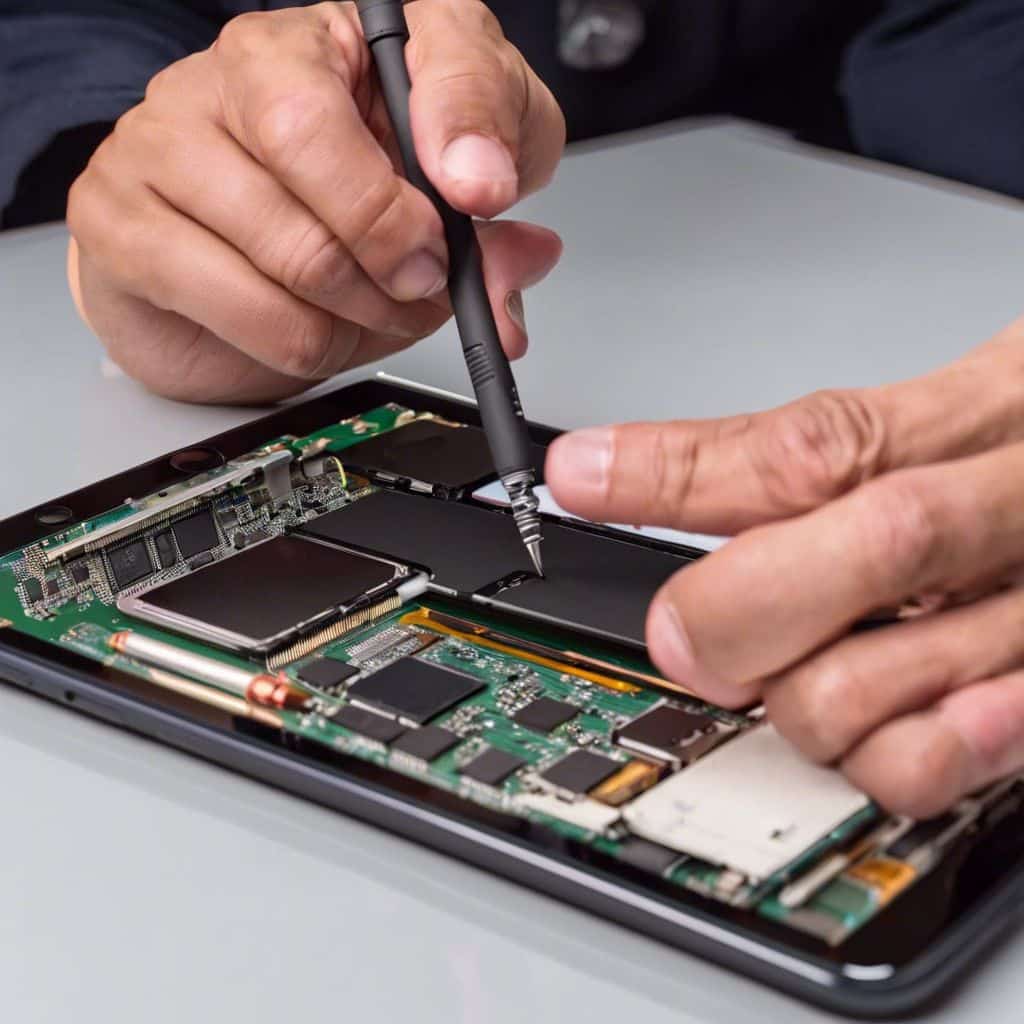
Phone Fashion Fix provides professional iPad charging port repair service in Ocala for customers dealing with charging failure, loose charger connections, slow charging, and damaged charging ports.
Not every charging issue is caused by the port. It could be the cable, adapter, battery, software, or water damage — that's why we always inspect first before recommending repair or replacement.
We handle both iPad Lightning port repair and iPad USB-C port repair, depending on your model. If your iPad won't recognize the charger or the cable feels loose, bring it in for a local inspection.
Phone Fashion Fix offers iPad charging port diagnostics, cleaning, repair, and replacement recommendations for iPads that do not charge correctly. This service is designed for charging issues related to loose ports, blocked ports, damaged charging docks, Lightning connector problems, USB-C port issues, and related power concerns.
Charging cable and adapter testing
Charging port inspection
Debris and lint inspection
Lightning port or USB-C port assessment
Battery and power response testing
Charger port cleaning when safe
Charging dock repair or replacement guidance
Final charging and function testing
This service does not automatically mean the charging port must be replaced. If cleaning or accessory testing solves the issue, we will let you know. If the port, battery, or internal components need further repair, we will explain the next step clearly.
Charging port problems often show up through small connection issues before the iPad stops charging completely. If your iPad won't charge, charges only at an angle, feels loose when plugged in, or stops charging without warning, the charging port may be dirty, worn, damaged, or failing. These symptoms can also point to a battery, cable, adapter, or internal power issue, so a diagnostic check is the safest next step.
If your iPad won't charge, the issue may be the charging port, cable, adapter, battery, or internal power system. A damaged charging port can prevent the cable from making a stable connection, leaving the iPad with no charging response.
Before assuming the device is dead, try another Apple-compatible cable and wall adapter. If the iPad still does not respond, Phone Fashion Fix can inspect the charging port and test the power system.
A loose iPad charging port often means the cable is not seated properly. This can happen because of lint buildup, worn internal contacts, bent pins, or physical damage from repeated cable use.
If your iPad charger keeps falling out, avoid forcing it into place. Pushing the cable too hard can damage the port, or worse.
If your iPad only charges when the cable is bent, twisted, or held at a certain angle, the charging port may be loose or damaged. This is one of the most common signs of an iPad charging port problem.
A healthy charging connection should feel stable. If charging cuts in and out when the cable moves, it is time to have the port checked.
Slow charging can come from several causes, including a weak adapter, damaged cable, worn battery, dirty charging port, or internal power issue. If the iPad starts charging and then stops, the connection may be unstable.
Phone Fashion Fix can test the charging setup and inspect the device to find out whether the issue is the port, battery, or another component.
On many iPad models, the charging port also handles data connection. If your iPad charges poorly and no longer connects to a computer, the port may have a connection issue.
This can happen with both Lightning and USB-C ports. A diagnostic check can help confirm whether the port is blocked, damaged, or failing.
Dust, lint, corrosion, bent contacts, and visible damage can all prevent proper charging. If the port looks dirty, avoid using metal tools or sharp objects to clean it yourself.
Bring the iPad to a repair shop so the port can be inspected safely. A careful cleaning may help in some cases, while damaged ports may need repair or replacement.
Charging problems rarely mean the port is dead. Most start as debris, wear, pressure, moisture, or a battery issue underneath — and each one points to a different fix. Here's how to tell them apart.
Bags, backpacks, and shared spaces let dust and lint settle inside the connector. The cable stops sitting flush, charging turns angle-dependent, and a careful clean can often bring the connection right back — no parts needed.
Thousands of plug-ins wear the internal contacts down. Once a pin bends or flattens, the iPad simply stops recognizing the charger — no amount of cleaning will bring it back.
Forcing a cable in, or charging while the cord is under tension, stresses the connector over time. A wobbly or uneven fit is usually the first warning sign.
Even a small splash can corrode the port and the components behind it. If charging stopped after any liquid exposure, stop plugging it in and get it inspected first.
Not every charging problem lives in the port. A worn battery or board-level fault can stop reliable charging too — a full diagnostic tells you which one it is.
Phone Fashion Fix services both connector types. Older and standard iPads use Apple's Lightning port, while many newer iPad Air and iPad Pro models have moved to USB-C. Debris, loose connections, bent contacts, and cable pressure can affect either one.
Built for older and standard iPad models. Wears down from daily use at school, work, or on the go — a loose click, lint inside the connector, or charging that only works at an angle are the usual signs.
Standard on newer iPad Air and iPad Pro models. A sturdier design overall, but still prone to debris, wear, and damage from a forced cable — especially when charging and data transfer both start acting up.
Before we recommend any repair, we trace the problem through five checkpoints — from the cable in your hand to the port itself — so you only pay for the fix your iPad actually needs.
We rule out the cable, wall adapter, or power source first — so you're never charged for a port repair the accessory actually caused.
We inspect the port itself for lint, corrosion, bent contacts, or physical wear to see if cleaning alone will solve it.
If the iPad charges but drains fast, we test the battery and internal power system to confirm it's part of the issue.
You get a clear answer — clean, repair, or replace the port — before any work begins on your device.
We confirm stable charging, a secure cable connection, and normal battery response before your iPad goes home.
The right fix depends on the model, port type, and damage level. Some devices only need safe charging port cleaning, while others need internal access, dock repair, or a full port replacement. We test every device after service to confirm stable charging performance.
iPads require careful handling because the charging port connects to internal components. We open the device only when internal access is genuinely needed.
Step 1Depending on the issue, the repair may involve safe cleaning, connection repair, or full charging dock replacement, chosen from what the diagnostic shows.
Step 2Charging problems can involve the battery, logic board, or water-damaged components. We check related parts whenever symptoms point beyond the port itself.
Step 3Once repaired, the device is reassembled and tested for charging response, cable stability, screen function, buttons, and everyday usability.
Step 4A charging port repair is usually needed when the iPad does not recognize the charger, the cable feels loose, or the device only charges at an angle. A battery replacement may be needed when the iPad charges but drains quickly, shuts off early, or does not hold power well.
Here's a simple way to compare the symptoms
Possible cause
Charging port, cable, adapter, or power circuit
Possible cause
Loose or damaged charging port
Possible cause
Worn battery
Possible cause
Battery, port, board, or internal power issue
Possible cause
Water damage or corrosion
We service charging port problems across the full iPad lineup, including standard iPad, iPad Air, iPad mini, and iPad Pro. Different models use Lightning or USB-C ports, so the repair method varies. We check the model, port type, charging behavior, and damage level before recommending cleaning, repair, or replacement.
We repair charging problems on standard iPad models with Lightning or USB-C ports, inspecting the port and testing power response.
iPad Air models may show charging connection issues, cable recognition problems, or USB-C port trouble on newer versions.
iPad mini devices are portable and used daily, which can lead to port wear, loose charger connections, or debris inside the dock.
Many iPad Pro models use USB-C ports. We inspect USB-C charging issues, loose connections, and related power problems.
Phone Fashion Fix is a local repair option for customers who need iPad repair in Ocala without sending the device away or guessing what is wrong. We focus on finding the real cause of the charging issue.
Convenient local repair service for iPad, Air, mini, and Pro models nearby.
We test accessories and clean ports first before recommending a full replacement.
Expert support for both Lightning and modern USB-C charging port architectures.
We explain the full repair path and costs clearly before any work begins on your device.
If your iPad only needs a cleaning or accessory test, we will tell you. If the port needs repair or replacement, we will explain the repair path clearly.
iPad charging port repair pricing depends on the iPad model, port type, part availability, and damage level. A simple charging port cleaning may cost less than a full charging dock replacement.
Because iPad models use different parts and repair methods, Phone Fashion Fix should confirm the final price after inspection. This keeps pricing accurate and avoids charging customers for repairs they may not need.
Phone Fashion Fix provides iPad charging port repair near you in Ocala for customers dealing with loose ports, broken charger connections, charging failure, and tablet charging issues.
We serve customers in Ocala and nearby areas, including Central Ocala, Silver Springs, Belleview, Dunnellon, Marion Oaks, and nearby Marion County communities when applicable.
Whether your iPad is used for school, business, work, streaming, travel, or family use, a failed charging port can interrupt your day quickly. Bring it to Phone Fashion Fix for local iPad charging, diagnostics, and repair.
If your iPad screen is cracked, lifted, or damaged, Phone Fashion Fix can inspect the device and recommend screen repair options.
iPad screen repairIf your iPad charges but drains quickly, shuts off early, or does not hold power, the battery may need replacement.
iPad battery replacementIf the charging issue started after liquid exposure, water damage may be affecting the port or internal components.
iPad water damage repairPower, volume, and home button issues can affect daily iPad use. Button repair may be available depending on the model.
iPad button repairPhone Fashion Fix can also help with charging port issues on other tablets, including select non-iPad devices.
Tablet charging port repairIf your iPhone has similar charging symptoms, ask about iPhone charging port repair and smartphone charging port diagnostics.
iPhone charging port repairiPad charging port repair time depends on the model, port type, damage level, part availability, and whether the issue requires cleaning, repair, or full port replacement. Some charging issues can be checked quickly, while more involved repairs may need additional time.
Repair timing may also change if the iPad has water damage, battery failure, or internal power issues. For the most accurate turnaround, contact Phone Fashion Fix or bring the iPad in for inspection.
Yes, iPad charging port repair is often worth it when the iPad still works well, the screen is in good condition, and the main issue is charging. Repair can often cost less than replacing the entire iPad.
Charging port repair may be a smart choice if the iPad is used for school, work, business, entertainment, or daily family use. A diagnostic check can help you decide whether repair or replacement makes more sense.
Before bringing your iPad in for charging port repair, a few simple checks may help rule out cable, adapter, or software issues. These steps can also prevent extra damage if the charging port is already loose or blocked.
Use another trusted cable and wall adapter to rule out accessory problems. If the iPad still does not charge, the device may need inspection.
Look inside the charging port for lint or dirt, but do not force sharp tools into the port. This can bend contacts or cause more damage.
A restart may help if the issue is temporary or software-related. If the charging problem continues, hardware testing may be needed.
If the cable does not fit correctly, stop pushing it in. Forcing the charger can damage the charging port further.
Pro tip: Bring the cable and adapter you normally use. This allows Phone Fashion Fix to test the iPad with your charging setup.
Phone Fashion Fix should list its current repair warranty terms on this page so customers know what is covered after service.
“Eligible iPad charging port repairs may include a limited repair warranty. Warranty coverage depends on the repair type, part used, and device condition. Water damage, impact damage, and unrelated issues may not be covered.”
If your iPad won’t charge, charges only at an angle, has a loose charging port, or stops charging without warning, bring it to Phone Fashion Fix for professional iPad charging port repair in Ocala.
We can inspect the charging port, test your cable and adapter, check the battery response, and explain the best repair option. Get local help before the charging issue gets worse.
Your iPad may not be charging because of a faulty cable, damaged adapter, dirty charging port, worn pins, battery issue, water damage, or internal power problem. A diagnostic check helps confirm whether the issue is the port or another part of the device.
Yes. An iPad charging port can often be cleaned, repaired, or replaced, depending on the problem. If the port is blocked by debris, cleaning may help. If the connector is damaged or worn, charger port replacement may be needed.
Common signs include a loose charger, charging only at an angle, no charging response, visible debris, bent contacts, or charging that cuts in and out. If these symptoms continue with a different cable, the charging port should be inspected.
Yes. Phone Fashion Fix can inspect and repair iPad Lightning port issues for models that use Apple's Lightning connector. Common problems include loose cable fit, debris inside the port, bent pins, and charging failure.
Yes. Phone Fashion Fix can help with iPad USB-C port repair for newer iPad Air and iPad Pro models. USB-C port issues may cause charging failure, unstable connection, or problems connecting the iPad to a computer.
No. An iPad may stop charging because of the cable, adapter, battery, software, water damage, or internal power components. That is why diagnostics are important before replacing the charging port.