

Urgent Service Available

Expert iPad Water Damage Repair in Ocala

Accidents happen, but water damage doesn't have to be the end of your device. Phone Fashion Fix provides professional iPad water damage restoration in Ocala. Our technicians use specialized tools to clean corrosion and repair internal components affected by liquid exposure.
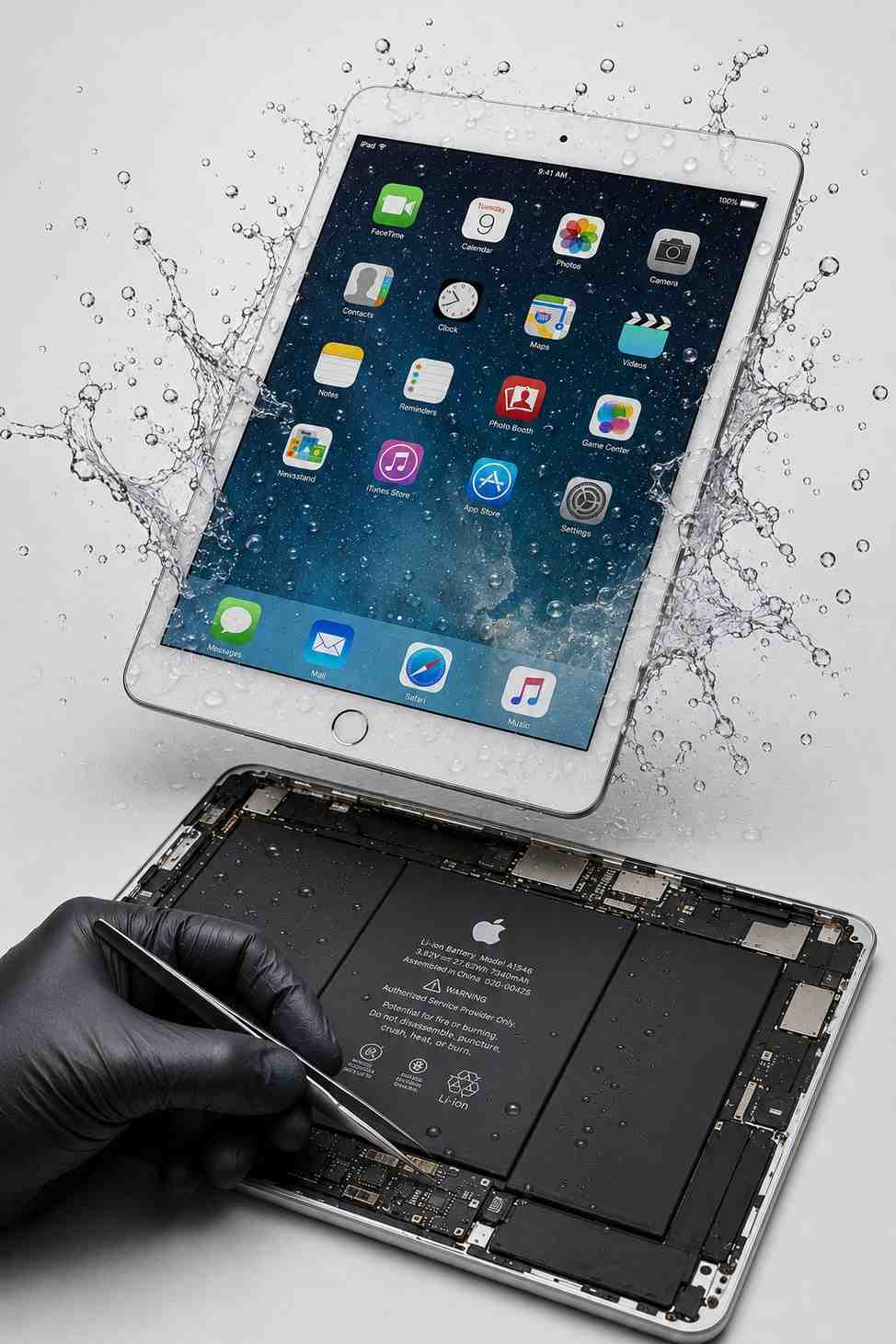
Professional iPad Water Damage Repair at Phone Fashion Fix Ocala

Professional iPad Water Damage Repair Service in Ocala

Phone Fashion Fix provides iPad liquid damage repair in Ocala for customers dealing with spills, rain exposure, moisture damage, charging issues, and iPads that have stopped working after getting wet.

Our water damage service starts with diagnosis. We inspect for signs of liquid exposure, corrosion, power failure, screen damage, and internal connection issues. Depending on the damage, your device may need corrosion cleaning, battery replacement, or motherboard-level inspection.

We inspect standard iPad, iPad Air, iPad mini, and iPad Pro models. Our goal is to find out what was damaged and whether repair makes sense based on the device's condition. We focus on honest repair guidance and do not guess or replace parts without checking the device first.
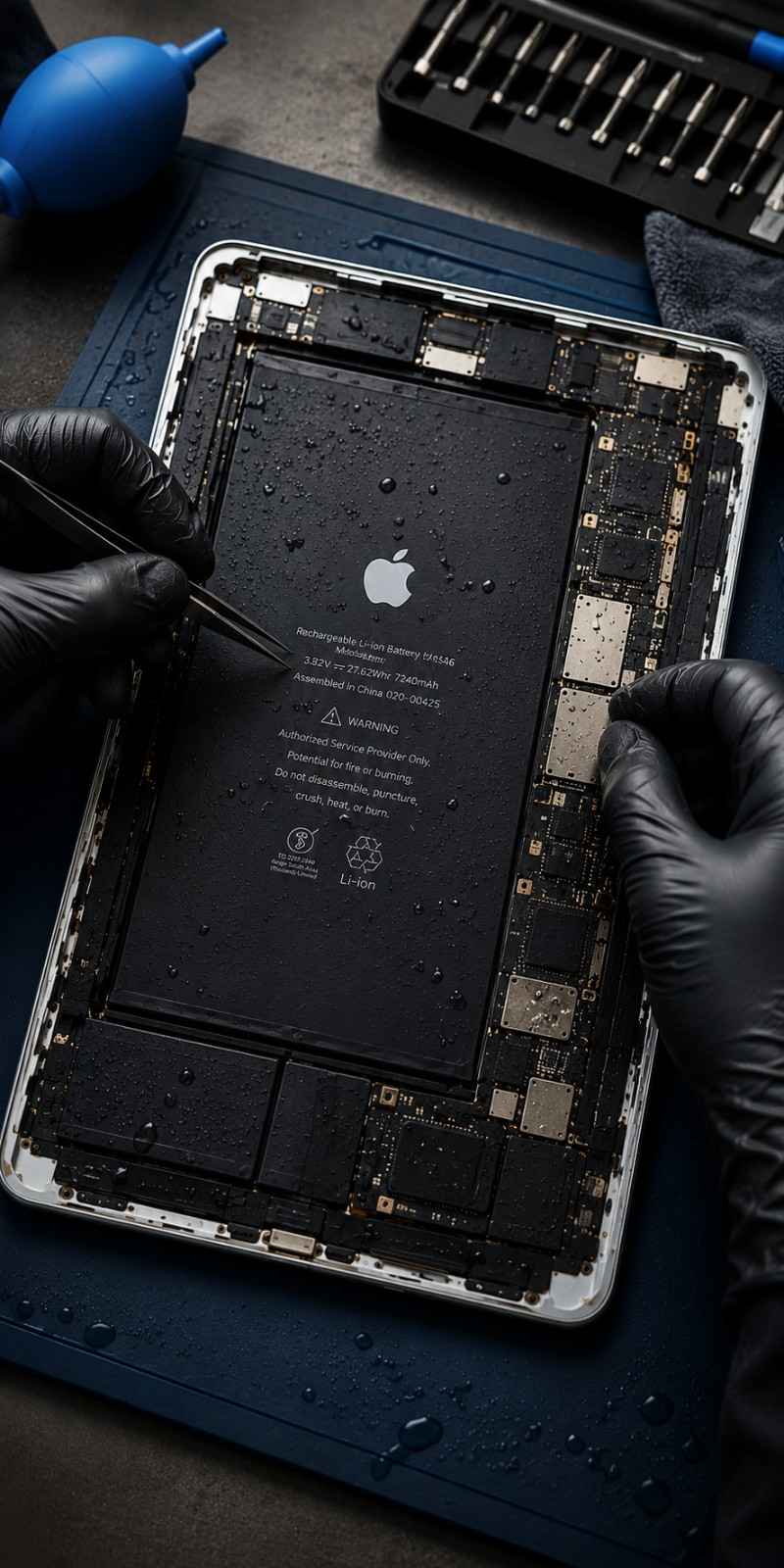
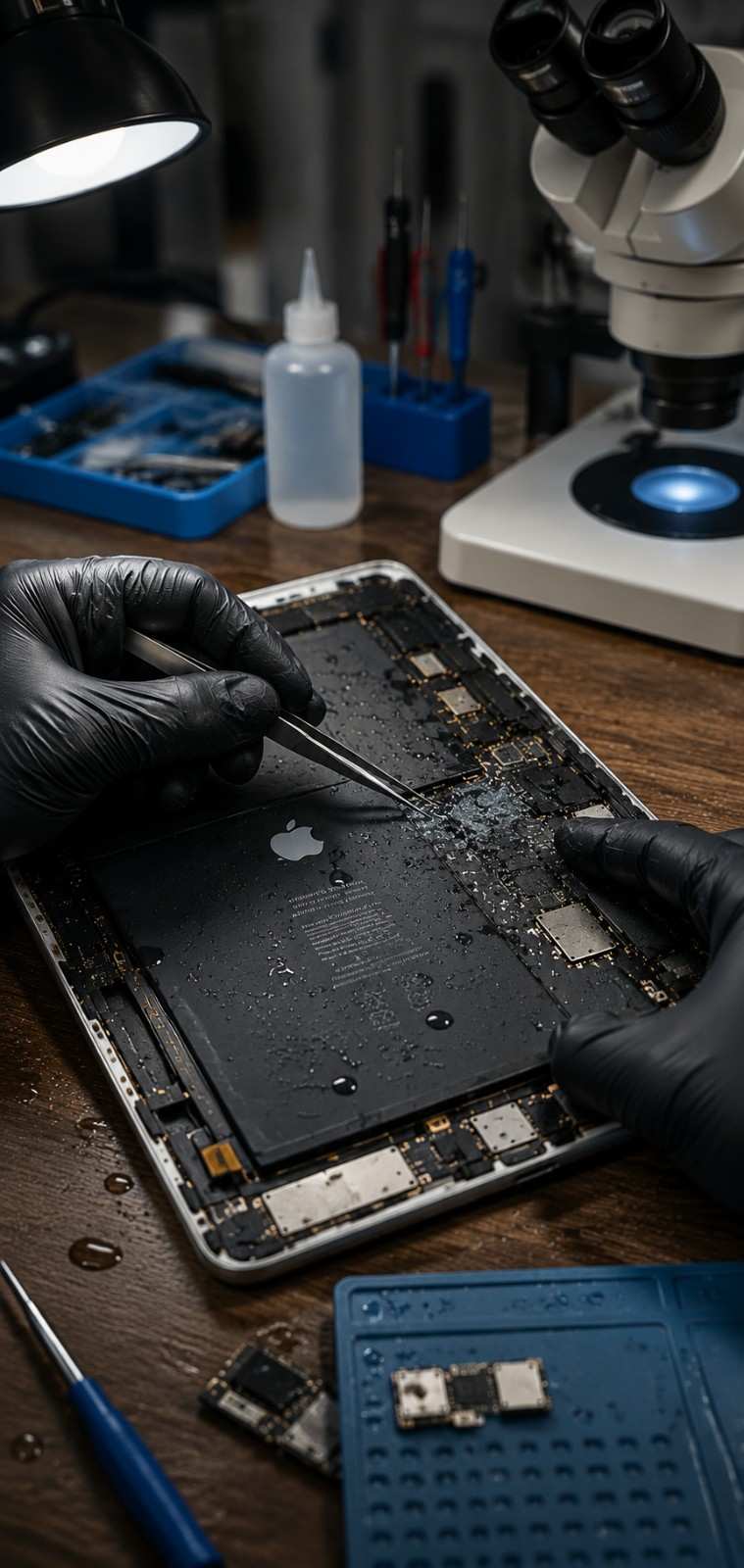
Technician performing liquid damage diagnosis on an iPad at Phone Fashion Fix Ocala

Common Signs of iPad Water Damage

Water damage can show up right away or days later. If your iPad has come into contact with liquid, look for these critical symptoms.

01

iPad Won’t Turn On

Moisture may have affected the battery or motherboard. Repeatedly pressing the power button can worsen the issue—bring it in for diagnosis first.

02

Lines, Spots, or Flickering

Moisture can affect the backlight circuit or digitizer. Screen issues after liquid exposure should be checked before assuming it's just a screen problem.

03

Won’t Charge After Wet

The port or charging circuit may be shorted. Do not keep plugging it in to "test it," as this can increase the risk of permanent internal damage.

04

Touchscreen Not Responding

This points to digitizer or board-level damage. Even if the display lights up, touch functionality may be lost due to internal liquid exposure.

05

Speakers or Buttons Failing

Liquid enters through small openings like speakers and buttons. Internal parts may need professional cleaning or replacement to restore function.

06

Overheating or Restarting

Random restarts or fast battery drain happen when corrosion affects the device. Even if it turns on, these symptoms should be inspected quickly.

Common Causes of iPad Liquid Damage

Liquid damage is not limited to dropping an iPad in water. Many repairs start with everyday accidents that compromise internal components.

01

Spilled Drinks

Coffee, soda, or juice can enter through screen edges. Sugary residue accelerates internal corrosion.

02

Dropped in Water

Sinks, pools, or puddles cause serious damage. Submerged iPads should be powered off immediately.

03

Outdoor Moisture

Rain and moisture at job sites or schools can reach internal parts even without full submersion.

04

Steam & Humidity

Steam from bathrooms can enter small openings over time, leading to slow-acting internal corrosion.

05

Entry Points

Liquid commonly enters through charging ports and speaker openings. These are checked during diagnosis.

Emergency Advice

What to Do If Your iPad Gets Wet

If your iPad got wet, the safest first step is to turn it off, avoid charging it, dry the outside gently, and bring it in for professional diagnosis. Water damage can worsen when power moves through wet or corroded components.

Turn the iPad Off Immediately

Powering off the iPad may reduce the risk of short circuits. If the device is already off, do not keep trying to turn it back on.

Do Not Plug It Into a Charger

Do not charge a wet iPad. Charging can push power through damaged or wet areas and may cause more serious failure.

Remove the Case and Dry the Outside

Take off the case and wipe the outside gently with a clean, dry cloth. Do not push cloth, paper, or tools into the charging port or speaker openings.

Do Not Use Heat or a Hair Dryer

Heat can damage the screen, battery, adhesive, and internal parts. A hair dryer can also push moisture deeper into the device.

Avoid Shaking the iPad

Shaking the iPad can move liquid into areas that were not originally affected. Keep the device steady and bring it in for inspection.

Bring It in for Water Damage Diagnosis

A professional iPad water damage diagnosis helps identify whether corrosion cleaning, part replacement, or advanced repair is needed.

Professional iPad Water Damage Diagnosis in Ocala

Why Water Damage Needs Fast Professional Diagnosis

Water damage can continue causing problems after the iPad looks dry. Moisture and residue can stay inside the device, especially around connectors, the charging port, screen cables, battery contacts, and board areas.

Fast diagnosis helps reduce guesswork. A technician can inspect the iPad, check for corrosion, test power and charging behavior, and explain whether repair is practical. In many cases, early inspection gives you a clearer path before more parts are affected.

Phone Fashion Fix helps Ocala customers make informed decisions after spills, rain exposure, dropped devices, and moisture accidents.

Our iPad Water Damage Diagnostic Process

Phone Fashion Fix uses a step-by-step diagnostic process for liquid-damaged iPads. Because each case is different, we check the device before recommending repair.

01
Step 1

Exterior Liquid Damage Inspection

We check the screen, frame, camera area, speakers, buttons, and charging port for visible signs of liquid exposure, residue, corrosion, or impact damage.

02
Step 2

Power and Charging Test

We inspect whether the iPad powers on, charges, restarts, overheats, displays an image, or shows unstable behavior.

03
Step 3

Internal Inspection for Corrosion

When needed, we open the device to inspect internal connectors, battery connections, display cables, charging areas, and board sections for corrosion or liquid residue.

04
Step 4

Component-Level Diagnosis

We check whether the issue appears to involve the screen, battery, charging port, buttons, speakers, camera, connectors, or motherboard.

05
Step 5

Repair Recommendation and Estimate

After diagnosis, we explain the repair options. Your iPad may need corrosion cleaning, a replacement part, further board inspection, or replacement if repair is not practical.

iPad Water Damage Repair Options

Water damage repair depends on the type of liquid, how long it stayed inside, whether the iPad was charged afterward, and which parts were affected.

iPad Corrosion Cleaning

iPad corrosion cleaning involves inspecting and cleaning affected internal areas where liquid has caused residue or oxidation to restore function.

iPad Screen Repair After Water Damage

Liquid can damage the display, touchscreen, or backlight. If the screen has lines or no touch response, ask about screen repair during diagnosis.

iPad Battery Replacement After Liquid Damage

A liquid-damaged battery may cause shutdowns or failure to power on. If affected, iPad battery replacement may be recommended.

iPad Charging Port Repair After Water Exposure

A wet or corroded charging port can stop connectivity. If your device will not charge after getting wet, ask about charging port repair.

iPad Motherboard Water Damage Repair

Serious liquid damage can affect internal circuits. These cases need deeper inspection to see whether repair is possible and cost-effective.

Full iPad Diagnostic Service

If you are not sure what was damaged, a full diagnostic service helps identify affected parts before repair decisions are made.

Data Concerns After iPad Water Damage

Photos, files, apps, and work documents are often the biggest concern after an iPad gets wet.

Can My Data Be Saved?

Data access depends on the damage level and whether the iPad can power on or be stabilized. Mention your important data early so our technicians can prioritize it during diagnosis.

Do Not Keep Trying to Turn It On

Repeated power attempts may worsen internal damage if moisture or corrosion is present. Avoid testing the device over and over before a professional inspection.

Ask About Data Access During Diagnosis

Tell Phone Fashion Fix if you need school files, business documents, or personal photos. While not always guaranteed, data access should be discussed during the initial diagnostic phase.

iPad Water Damage Repair vs. Replacement

Repair may be worth considering if the iPad is newer, the damage is limited to replaceable parts, the screen and frame are in good condition, or important data may still be accessible.

Replacement may make more sense if the device has severe motherboard damage, multiple failed parts, battery damage, screen damage, and heavy corrosion. Phone Fashion Fix can help you compare the repair estimate with the cost of replacing the iPad.

The best choice depends on the model, damage level, part availability, data needs, and repair cost.
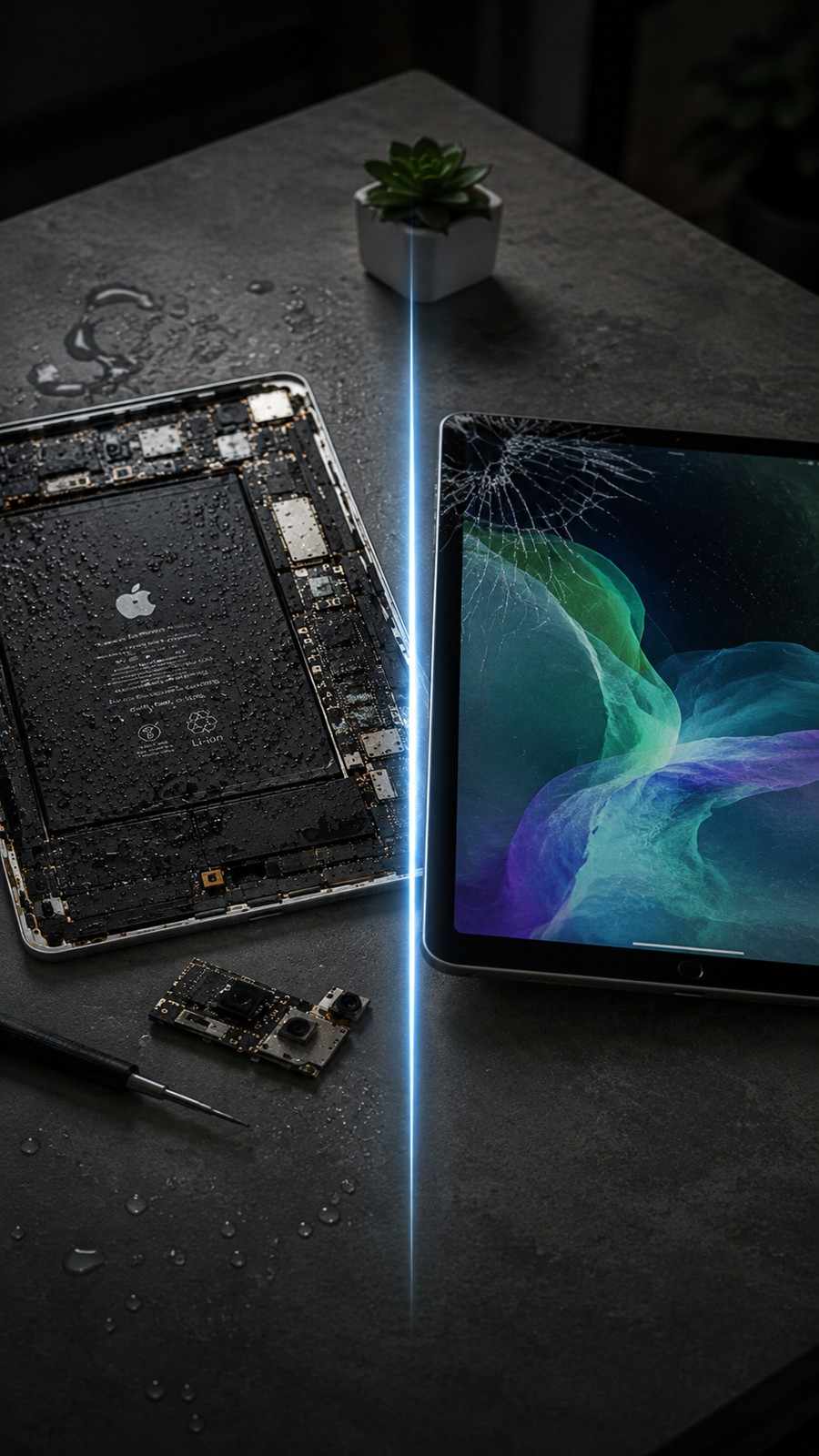
iPad Repair Assessment

iPad Models We Inspect for Water Damage

Phone Fashion Fix inspects several iPad models for liquid damage to determine the best path for repair or recovery.

iPad Water Damage Repair

For standard iPad models exposed to spills, moisture, rain, or water.

iPad Air Water Damage Repair

For iPad Air models with screen issues, charging failure, power problems, or corrosion.

iPad mini Water Damage Repair

For iPad mini models that got wet, stopped charging, or will not turn on.

iPad Pro Water Damage Repair

For iPad Pro models with USB-C charging issues, screen problems, power failure, or internal liquid damage.

Why Choose Phone Fashion Fix for iPad Water Damage Repair in Ocala?

Phone Fashion Fix is a local Ocala repair shop that helps customers with iPad, tablet, smartphone, and phone repair needs. For water damage, we focus on diagnosis first so you can make a practical repair decision.

Customers choose Phone Fashion Fix for:

  • Local iPad repair in Ocala
  • Water damage inspection and diagnosis
  • Help with screen, battery, charging, and internal issues
  • Corrosion cleaning when possible
  • Clear repair recommendations before parts replacement
  • Support for iPad, iPad Air, iPad mini, and iPad Pro models
  • Customer-focused service from a local repair team

Local Ocala Repair Shop

iPad & Tablet Repair Support

Diagnostic-Based Repair Guidance

Local iPad Water Damage Repair Near You in Ocala

If you searched for iPad water damage repair near me, Phone Fashion Fix provides local support in Ocala, Florida. We help customers with iPads damaged by spills, rain, water exposure, humidity, charging port moisture, and liquid accidents.

Service area language can include Ocala and nearby communities such as Central Ocala, Silver Springs, Belleview, Dunnellon, Marion Oaks, and the Villages area if these locations are part of your confirmed service area.

Whether your iPad got wet at home, school, work, outside, or while traveling, bring it in for a water damage diagnosis before charging it again.

How Long Does iPad Water Damage Repair Take?

iPad water damage repair time depends on how much liquid entered the device, how long ago it happened, whether the device was charged after getting wet, and which parts were affected.

Some cases may only need inspection and corrosion cleaning.

Others may require screen repair, battery replacement, charging port repair, or deeper internal diagnosis.

Parts availability can also affect timing.

For the most accurate time estimate, bring the iPad to Phone Fashion Fix for diagnosis.

Pricing Information

Water damage repair pricing depends on the model, damage level, parts needed, and whether the iPad requires cleaning, component replacement, or advanced diagnosis.

“Water damage diagnosis is provided after inspection. Repair pricing depends on the affected parts and damage level. Contact Phone Fashion Fix or visit our Ocala shop for an estimate.”

Service Guarantee and Warranty

Water damage repairs can be unpredictable because liquid may affect multiple parts inside the iPad. Even after one issue is fixed, hidden corrosion or delayed component failure may appear later.

“Warranty coverage for iPad water damage repair depends on the repair performed and the condition of the device. Phone Fashion Fix will explain any available warranty details before repair work begins.”

What Not to Do With a Wet iPad

To protect your data and hardware, avoid these common mistakes after your iPad gets wet.

Do Not Put Your iPad in Rice

Rice does not reliably remove internal moisture or corrosion. It can also leave dust or debris in ports and openings.

Do Not Charge the iPad

Charging a wet iPad can worsen short circuits and internal damage.

Do Not Use Heat

Heat can damage the screen, battery, adhesive, and small internal parts.

Do Not Keep Pressing the Power Button

Repeated power attempts may cause more damage if moisture is still inside.

Do Not Wait Too Long for Diagnosis

Corrosion can spread over time. Early diagnosis gives you a clearer repair path.

Immediate Support Available

Get iPad Water Damage Repair in Ocala Today

If your iPad got wet, will not turn on, will not charge, has screen problems, or is acting strange after liquid exposure, bring it to Phone Fashion Fix for expert repair.

Our team can inspect the device, check for corrosion, test affected parts, and explain your repair options clearly.

Frequently Asked Questions About iPad Water Damage Repair

Clear answers to help you navigate liquid damage recovery and protect your device.

Can an iPad be repaired after water damage?

Yes, some water-damaged iPads can be repaired depending on how much liquid entered the device, how quickly it is inspected, and which parts were affected. A professional diagnosis helps determine whether cleaning, part replacement, or advanced repair is the best option.

What should I do if my iPad gets wet?

Turn the iPad off, do not charge it, remove the case, and dry the outside gently. Avoid heat, shaking, and repeated power attempts. Bring it in for an iPad water damage diagnosis as soon as possible.

Why won’t my iPad turn on after water damage?

An iPad may not turn on after water damage because liquid has affected the battery, charging port, screen, motherboard, or internal connectors. Do not keep pressing the power button. A diagnostic test can identify the affected parts.

Can water damage affect the iPad screen?

Yes, water damage can affect the iPad screen, display connector, backlight, or touchscreen. Common signs include flickering, lines, black spots, dim display, ghost touch, or no touch response after liquid exposure.

What is iPad corrosion cleaning?

iPad corrosion cleaning is the process of inspecting and cleaning internal areas where liquid exposure has caused residue or oxidation. Cleaning may help restore function or reduce further damage, but results depend on how severe the water damage is.

Is iPad water damage repair guaranteed?

Water damage repair cannot always be fully guaranteed because liquid may affect several parts, and hidden corrosion can appear later. Phone Fashion Fix can explain available warranty coverage based on the repair performed and the device's condition.

Can my data be recovered from a water-damaged iPad?

Data access depends on whether the iPad can power on or be stabilized long enough to access files. If photos, files, or documents are important, mention that during diagnosis so data concerns can be reviewed early.

Should I put my wet iPad in rice?

No, you should not put a wet iPad in rice. Rice does not reliably remove internal moisture or corrosion and may leave debris in ports. Turning the device off and getting a professional diagnosis is safer.

Do you repair iPad water damage near me in Ocala?

Yes, Phone Fashion Fix provides iPad water damage diagnosis and repair support for customers in Ocala, Florida. Bring your wet or liquid-damaged iPad in for inspection before charging or powering it on again.