

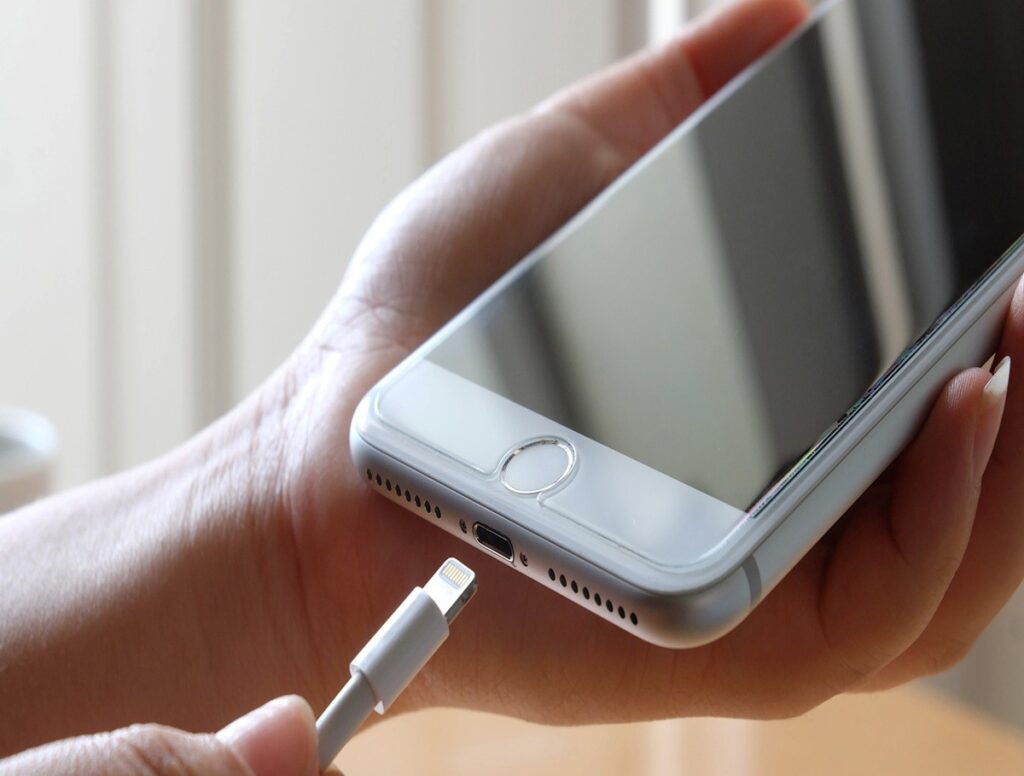
The signs of a damaged charging port include a loose-fitting cable, charging that only works at a specific angle, a connection that cuts in and out, charging failure with more than one cable, or the phone getting hot while plugged in. If cleaning the port and swapping cables doesn’t fix it, the port is likely the cause.
Most charging problems come down to one of four things: the cable, the wall adapter, the battery, or the port itself and the signs of a damaged charging port are different enough from the other three that you can tell them apart without opening the device.
Charging Port Damage: physical wear, debris buildup, corrosion, or bent internal pins that prevent a stable electrical connection between the cable and the device. It’s a distinct problem from a bad cable, a failing wall adapter, or a worn-out battery, even though all four can produce similar symptoms.
How the Charging Port Actually Fails
Inside every charging port are small metal pins or contacts that press against the cable each time you plug it in. Each insertion bends those contacts slightly, and over thousands of plug-in cycles, the metal loses tension and stops gripping the cable as tightly as it used to.
Debris adds to the problem. Pocket lint, dust, and sand work their way into the port over time, and every time a cable is inserted, that debris gets packed in a little deeper. Eventually it blocks part of the connection even if the pins themselves are still in good shape.
Corrosion is the third cause, usually from moisture rain, humidity, or a spilled drink. Corrosion changes how well the contacts conduct electricity, and it tends to get worse over time rather than better on its own.
One mistake people often make is assuming any charging issue means the battery is dying. In practice, a battery problem shows up as poor battery life or unexpected shutdowns, not as a connection that only works at a certain angle that pattern points to the port.
Signs of a Damaged Charging Port, by Severity
Port damage rarely goes from “working fine” to “completely dead” overnight. It typically moves through stages, and where your phone falls on this list is a reasonable guide to how urgent the problem is.
| Stage | What You Notice | What’s Likely Happening |
| Early | Phone only charges when the cable is angled a specific way; cable feels slightly loose | Contacts have started to wear or light debris has built up |
| Moderate | Charging starts and stops on its own; charging is noticeably slower than before | Contacts are inconsistently connecting, or debris is partially blocking the port |
| Severe | Phone doesn’t charge with any cable or charger; port feels loose to the touch; visible bending, cracking, or discoloration | Contacts are significantly worn, bent, or corroded |
| Severe + urgent | Phone gets hot while charging, or you notice a burning smell | Possible electrical short stop charging immediately |
What are the early signs vs. severe signs of a damaged charging port? Early-stage damage shows up as angle-dependent charging or a slightly loose cable fit. Severe damage means the phone won’t charge with any cable, the port looks visibly bent or corroded, or the device overheats while plugged in at that point, stop using the port and have it inspected.
Does It Charge Differently on iPhone (Lightning), iPhone (USB-C), Android, or iPad?
Loose fit, angle-dependent charging, and intermittent connection show up on every device, but the underlying cause often depends on the connector type.
| Device Type | Common Failure Point | Why |
| iPhone (Lightning, iPhone 14 and earlier) | Lint and debris buildup | The open pin-and-socket design collects pocket lint more easily than a sealed connector |
| iPhone (USB-C, iPhone 15 and later) | Housing wear, bent contacts | The port housing itself absorbs more physical stress from repeated insertion |
| Android (USB-C) | Housing wear, loose fit over time | Same USB-C mechanical wear pattern as newer iPhones |
| iPad | Debris (Lightning models) or housing wear (USB-C models); occasionally confused with Smart Connector issues | iPad’s larger Smart Connector is separate from the charging port and sometimes gets mistaken for it |
What Your iPhone Is Actually Telling You
iOS shows specific alerts when it detects a charging problem, and knowing what each one usually means saves a lot of guesswork.
- “This accessory may not be supported” — iOS checks for an MFi (Made for iPhone) chip in the cable to display this alert, but a dirty or damaged port can prevent that chip from being read correctly. That means the same warning shows up for a genuine cable as it would for a fake one, especially if it appears with cables that have worked before.
- “Liquid detected in Lightning connector” — Usually accurate after real moisture exposure, but it can also trigger from humidity or sweat buildup without any actual spill.
- No alert, no charging icon at all — Points toward a more significant connection failure rather than a software-level warning.
What does “accessory not supported” mean on an iPhone? It typically signals that iOS isn’t detecting a clean, stable connection between the cable and the port’s internal contacts, which is often caused by debris, corrosion, or worn pins rather than a defective cable.
Port, Cable, Battery, or Software? A Quick Diagnostic Table
If you’re asking, “Is my charging port broken?” don’t assume the port is at fault right away. Compare the symptoms below to rule out problems with the cable, charger, battery, or software before deciding the port needs repair.
| Symptom | Cable Issue | Port Issue | Battery Issue | Software Issue |
| Works with one cable, not another | Likely | Unlikely | Unlikely | Unlikely |
| Fails with every cable and charger tested | Unlikely | Likely | Possible | Possible |
| Only charges at a specific angle | Possible | Very likely | Unlikely | Unlikely |
| Charges slowly but consistently | Possible | Possible | Likely | Unlikely |
| Battery percentage drops fast even when not charging | Unlikely | Unlikely | Likely | Possible |
| Charging icon flickers on and off after a recent update | Unlikely | Unlikely | Unlikely | Likely |
Is my charging problem the port, cable, battery, or software? If the problem follows the cable when you swap it to another device, it’s the cable. If it persists across multiple cables and chargers, especially with angle-dependent charging, the port is the more likely cause.
How to Confirm It’s the Port: A 5-Step Self-Test
Run through these in order. Each step rules out one possible cause before moving to the next.
- Wiggle test. Plug in a cable and gently move it side to side. If charging cuts in and out with small movements, the port’s internal contacts are likely worn.
- Cable-swap test. Try a different cable with the same charger. If the same symptoms happen with both cables, the cable isn’t the cause.
- Charger and outlet swap. Test a different wall adapter and a different outlet. This rules out a failing adapter or a dead outlet.
- Data-sync test. Connect the phone to a computer and see if it recognizes the device for file transfer. Charging pins and data pins are separate inside the port, so a phone that syncs but won’t charge points to a partial pin failure.
- Flashlight inspection. With the phone off, shine a flashlight directly into the port and look for lint, discoloration, or bent pins.
how to tell if your charging port is damaged? Run the wiggle test, then swap the cable, then swap the charger and outlet, then check if the phone still syncs data on a computer, and finish with a flashlight inspection if the same symptoms persist across all of these, the port is the likely cause.
Dirty vs. Damaged — and Why You Shouldn’t DIY-Clean With Metal Tools
A dirty port and a damaged port can look identical from the outside, but the fix is completely different. Debris can usually be cleared with compressed air or a soft, non-metal tool. Genuine damage bent pins, cracked housing, corrosion needs a technician’s inspection, not more cleaning attempts.
This is where a common mistake causes real damage: using a paperclip, pin, or other metal object to dig out debris. Metal tools can scratch the contacts, bend pins further, or cause a short if the phone isn’t fully powered off. If you want the safe, step-by-step cleaning method, we cover it in How to Clean an iPhone Charging Port Safely.
What Happens If You Ignore It
Port damage typically gets worse, not better, the longer it’s used in a damaged state. Continuing to plug in a cable at an awkward angle puts more stress on already-weakened contacts, and what starts as intermittent charging can progress to no charging at all.
In more advanced cases, the wear can extend past the port itself to the charging circuitry connected to it, which turns a simple port repair into a more involved board-level repair. Catching the problem at the early or moderate stage generally keeps the fix simpler and less expensive.
Is a damaged charging port dangerous? Overheating during charging is the clearest warning sign that something is actively wrong, and it’s a reason to unplug the device and have it inspected rather than continue charging it.
Repair, Clean, or Replace the Phone?
Once you’ve confirmed the port is the problem, the right next step depends on how far the damage has progressed.
- Cleaning is usually enough if the issue is debris-related and there’s no visible bending or corrosion.
- Port repair or replacement makes sense when pins are bent, the housing is cracked, or cleaning didn’t resolve the issue.
- Replacing the phone is worth considering mainly on older devices where the repair cost approaches the value of a newer device for most phones still in regular use, port repair is the more practical option.
In many cases, charging port issues turn out to be debris or light corrosion rather than deeper hardware damage a free diagnostic will tell you which one you’re dealing with before any repair starts. Our iPhone charging port repair service in Ocala includes this diagnostic at no cost, with most repairs completed the same day.
Does a Damaged Port Affect AppleCare or Your Warranty?
Coverage depends on how the damage happened. Physical damage from drops, moisture, or normal wear typically isn’t covered under a standard warranty, though it may be covered under AppleCare+ with accidental damage protection. A manufacturing defect affecting the port is more likely to qualify for standard warranty repair.
Since coverage terms change and vary by plan, it’s worth checking your current AppleCare terms directly through Apple’s support documentation before assuming either way.
Conclusion
A phone that only charges at a certain angle, cuts in and out, or won’t charge at all is usually telling you something specific about the port not necessarily that the phone itself is done. Test the cable and charger first, watch for angle-dependent or intermittent charging as early warning signs, and treat overheating as a reason to stop charging immediately. Most port problems, caught early, are a straightforward and affordable fix rather than a reason to replace the phone.
If your phone is showing any of these signs, Phone Fashion Fix offers a free charging port diagnostic near Paddock Mall in Ocala bring it in and we’ll tell you exactly what’s going on before any repair work starts.
FAQ
Why does my phone only charge when I hold the cable a certain way?
This usually means the internal pins have worn down or bent slightly, so the connection only completes when the cable is angled to compensate. It’s one of the earliest and most reliable signs of port damage.
Can a dirty charging port stop my phone from charging completely?
Yes. Compacted lint or dust can fully block the connection between the cable and the port’s contacts even when there’s no physical damage to the pins themselves.
Is it safe to clean my charging port myself?
Compressed air and soft, non-metal tools are generally safe for light debris. Metal tools like paperclips or pins carry a real risk of bending pins or scratching contacts, so they’re best avoided.
Why does my phone say “accessory not supported” when I plug in a genuine cable?
This alert often points to a connection or moisture-detection issue rather than a counterfeit cable, especially if it appears with a cable that has worked normally before.
Does a damaged charging port affect battery health?
Not directly, but a damaged port can prevent the battery from completing normal charging cycles, which affects how reliably the battery performs day to day.
How much does it cost to repair a charging port?
Cost depends on whether the fix is a cleaning or a full port replacement, along with the device model. A free diagnostic is the most reliable way to get an accurate number for your specific phone.
Can I keep using wireless charging if my port is damaged?
Yes, on supported devices like MagSafe-compatible iPhones, wireless charging works as a temporary bridge while the port is damaged. It doesn’t restore data transfer or resolve the underlying port issue, though.